Image for Temp Email for Anonymous Website Access


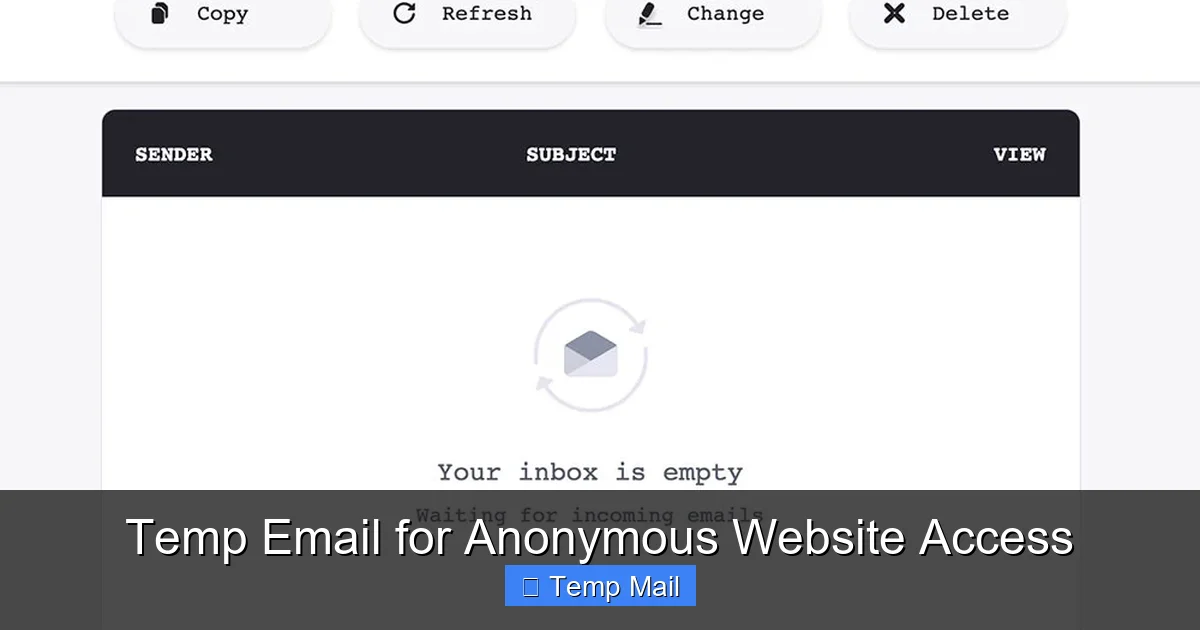
Temp email services provide disposable, anonymous email addresses for signing up on websites without revealing your real identity. They act as a protective shield, preventing spam, data harvesting, and unwanted tracking in your primary inbox. By using a temporary address, you can access gated content, bypass registration walls, and maintain digital privacy effortlessly. This tool is essential for anyone concerned about online privacy and inbox cleanliness.
Ever stared at a website’s “Sign up for our newsletter to read this article” pop-up and sighed? Or needed to download a software trial that demands an email, but you just know it’ll lead to a deluge of spam? This is where the humble, powerful tool of a temporary email becomes your digital best friend. In our hyper-connected world, where every online action can be tracked, profiled, and sold, taking back a sliver of anonymity isn’t just convenient—it’s a conscious privacy choice. This guide dives deep into using temp email for anonymous website access, explaining not just the “how” but the crucial “why” and “when.”
Think of a temporary email address as a digital burner phone. It’s a functional, short-lived identity you can use for a specific purpose and then discard without a trace. These services generate a random inbox for you instantly, often without requiring any personal information. You use this address to receive a single verification link or download file, and then you walk away. The website has an email on file, but it’s a dead-end address that leads to a void after a few hours. For accessing gated content, testing services, or simply avoiding the spam cycle, it’s an elegantly simple solution.
A temporary email service is a web-based platform that provides users with a disposable email address for a limited time. Unlike traditional email providers like Gmail or Outlook, which are designed for long-term communication and storage, temp mail is built for immediacy and impermanence. The core mechanics are beautifully straightforward: you visit the service’s website, it instantly assigns you a random email address (e.g., [email protected]), and you have a public inbox that you can check right on their site. That’s it. No password creation, no security questions, no recovery phone number.
Behind the scenes, these services operate on shared, dynamically allocated mail servers. When your address expires, the system wipes the inbox and recycles the address components for the next user. This high-turnover model is cost-effective for the provider and ensures no long-term data storage. The lack of persistent user profiles is the cornerstone of the anonymity they offer. Since you don’t log in, there’s no account to hack, no password to leak, and no activity history tied to a user profile on the temp mail service itself.
While interfaces vary, most reliable temp email services share key features. These include: Instant address generation with one click, a publicly accessible inbox that refreshes automatically, a timer displaying remaining validity (e.g., “This inbox expires in 45 minutes”), and sometimes domain selection (offering a choice of @domains like @10minutemail.com or @guerrillamail.com). Advanced options might include setting a custom inbox name or extending the time limit briefly. The focus is always on speed and zero friction.
Anonymity online is a spectrum. True, military-grade anonymity requires tools like Tor and encrypted messaging. However, for the everyday user, anonymous website access primarily means preventing a website from associating a visit with your permanent digital identity—your primary email address. Your email is a universal key. It’s used for login, for password resets, and most importantly, for building a behavioral profile. Temp mail breaks this link at the point of entry.
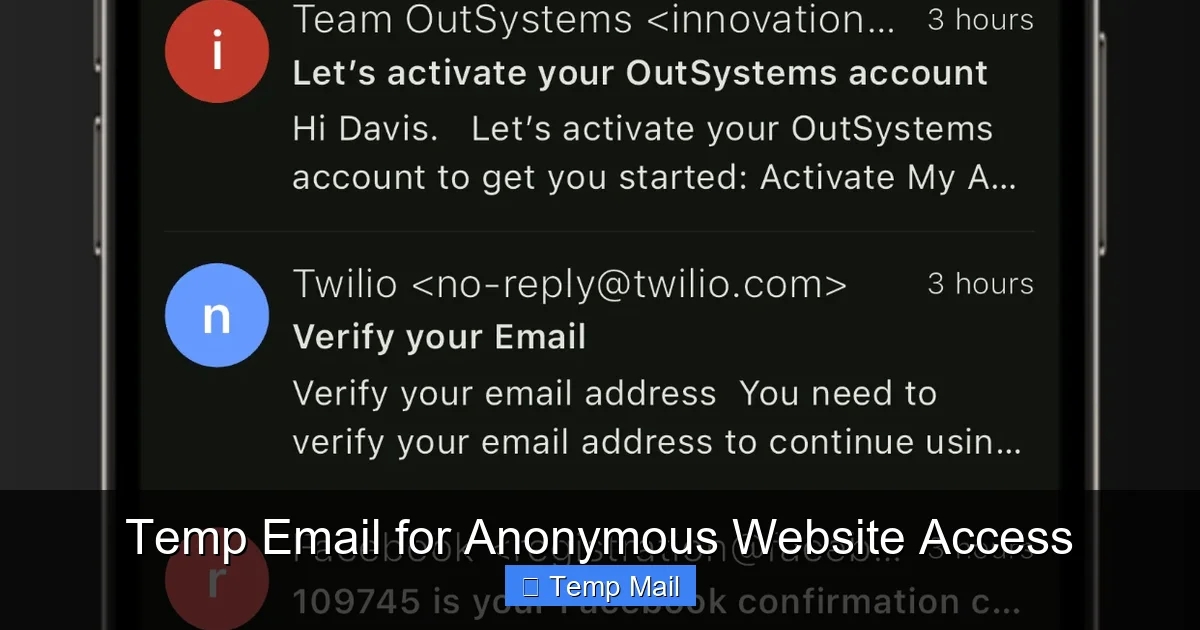
Visual guide about Temp Email for Anonymous Website Access
Image source: is1-ssl.mzstatic.com
When you use your real email to sign up for a free tool, a forum, or a whitepaper, you’re trading your contact information for access. That email address becomes a data point. It can be sold to advertisers, added to a user profile that tracks your activity on that site, and is inevitably targeted by promotional campaigns. If that site suffers a data breach, your email is now in the hands of criminals, often leading to phishing attacks on your more valuable accounts. A temporary address severs this chain immediately. The site gets an email, but it’s a phantom address. Any future communication from them vanishes into a black hole after an hour. Your real identity remains untouched.
Many websites use email-based tracking pixels and unique links to monitor engagement. Did you open the email? Did you click the link? With a temp inbox, these attempts are futile. The tracking pixel loads in an anonymous, shared browser session that you likely won’t even open. The unique link, if clicked, leads back to a session with no cookie history tied to you. While this doesn’t make you invisible to the website’s own analytics during your visit (they still see your IP and browser), it ensures they cannot build a persistent, cross-session profile linked to an email address you own. It’s a critical layer in compartmentalizing your online life.
Knowing the theory is one thing; applying it is another. Here are the most common, practical scenarios where a temporary email is not just helpful but the smart choice.
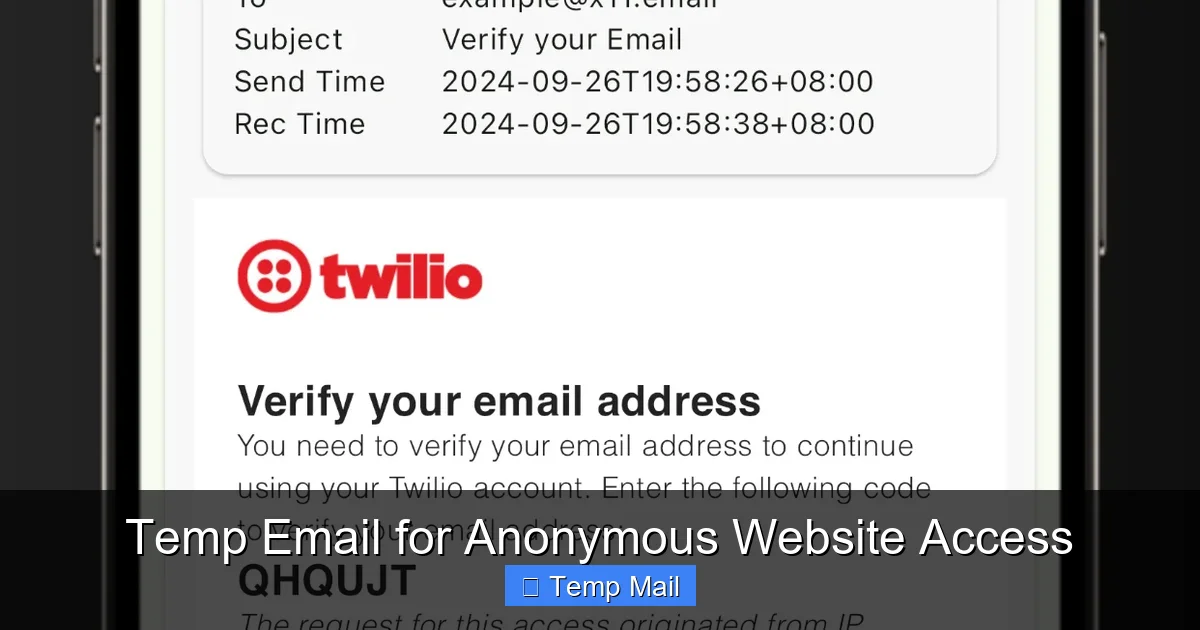
Visual guide about Temp Email for Anonymous Website Access
Image source: is1-ssl.mzstatic.com
This is the #1 use case. You want to read an in-depth industry report, a detailed tutorial, or a news article from a publication that hides content behind an email registration. Using your main email means you’ll get weekly newsletters you never read. Using a temp email? You get the PDF or access the article instantly, and the publisher’s email list grows by one meaningless address. You protect your inbox and still get what you need. It’s a victimless transaction from a privacy perspective.
Want to try a SaaS tool, a desktop app, or an online service that asks for an email to send a download link or trial activation code? Use temp mail. This is especially wise for lesser-known or new services where you’re unsure about their data handling practices. You receive the necessary file or code, activate the trial in your sandboxed environment, and if you decide not to purchase, you simply let the temp address expire. The vendor has no way to follow up with “special offers” or “last chance” emails.
Need a throwaway account for a one-time comment on a forum, to post in a public Discord channel, or to register on a hobbyist website? Temp mail is perfect. These are platforms where the account has no long-term value, no financial ties, and no social graph importance. Using a disposable address keeps your primary credentials secure and prevents these peripheral logins from cluttering your password manager or becoming a liability if the site is compromised.
Sometimes, a service might offer a freebie or trial that’s technically restricted to certain countries. While a VPN can handle the IP part, the email registration often checks for a local domain (e.g., .de, .uk). A temp email service that offers multiple domain choices can help you bypass this soft gate. You select a domain that looks local to the required region, sign up, and access the offer. This is a gray area but commonly used for accessing geo-specific beta tests or promotional content.
Temp email is a powerful tool, but it’s not a magic anonymity shield. Understanding its limits is essential for using it safely and effectively.
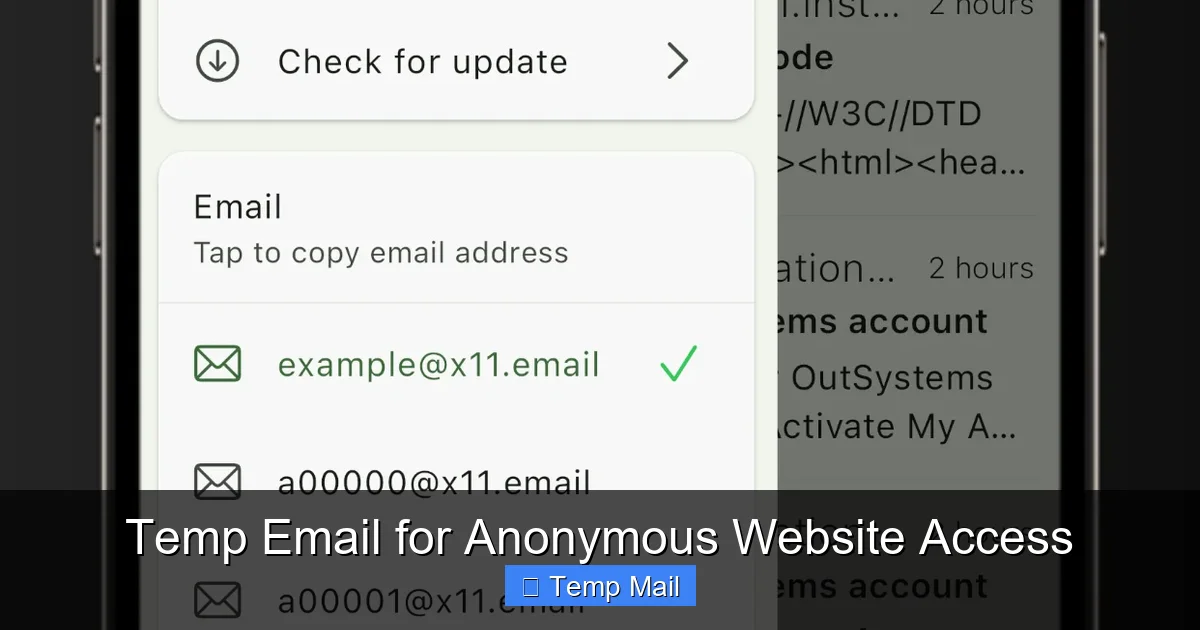
Visual guide about Temp Email for Anonymous Website Access
Image source: is1-ssl.mzstatic.com
This is the biggest caveat. If you use a temp email to sign up for anything where you need to receive important communications—password resets, order confirmations, bank statements, official alerts—you will be locked out. The moment the inbox expires, that account is effectively lost. This is why the rule is absolute: never use temp mail for any account you need to recover or maintain long-term. It is a single-use ticket, not a subscription.
Because the inbox is public (anyone with the same randomly generated address could, in theory, check it), you should never receive sensitive personal information via temp mail. While services don’t typically log your IP when you check the inbox, the act of accessing the temp mail site itself is visible to your ISP and the service provider. For highly sensitive activities, a temp email alone is insufficient. Also, some websites have begun detecting and blocking known temp email domains during sign-up, recognizing them as disposable.
Using a temp email to circumvent a website’s clearly stated terms of service (e.g., “one free trial per person”) is a violation. While enforcement is rare for small sites, it’s a breach of contract. More importantly, using anonymity tools for illegal activities like fraud, harassment, or accessing illegal content does not make you untraceable. Law enforcement can still pursue IP logs and other digital footprints. Temp email is for privacy, not for evading legal accountability.
To get the most out of temp email without falling into pitfalls, follow these practical guidelines.
Not all temp mail providers are created equal. Look for services with a clear privacy policy stating they do not log user activity or store emails after expiration. Avoid services that require you to create an account to use their temp mail—that defeats the purpose. Popular, long-standing options like 10MinuteMail, Guerrilla Mail, and Temp-Mail.org have established trust through consistent operation and transparent practices. Read recent user reviews to check for any history of logging or data selling.
For an extra layer of separation, use a different browser (e.g., Firefox if you normally use Chrome) or a dedicated browser profile for your temp email activities. This prevents any cookies or local storage from your main browsing sessions from being associated with the temp mail session. Pair this with a privacy-focused search engine like DuckDuckGo for the full compartmentalization effect.
This cannot be stressed enough. Your bank, government agencies, primary cloud storage, and main social media profiles must always use your permanent, secure email. The risk of permanent lockout is too high. Temp mail is exclusively for low-value, single-access, or content-gating scenarios.
Verification emails often have a short validity window (15-30 minutes). Since your temp inbox is public and expires quickly, you must check it immediately after signing up. Most services have an auto-refresh feature, but keep the tab open and watch the timer. Don’t sign up for something and walk away; you’ll likely miss the code.
For maximum anonymity and cleanliness, treat each temp address as a single-use item. Don’t use the same temporary address to sign up for five different websites. Each use creates a new potential link. Generate a fresh address for each new website or purpose. This keeps your activities perfectly compartmentalized.
As data privacy regulations like GDPR and CCPA tighten, and as users become more savvy about data harvesting, the demand for anonymity tools will grow. Temp email services are likely to evolve, possibly integrating more seamlessly with browser extensions or password managers. We may see hybrid models where a “masked” email (like Apple’s Hide My Email) provides a more permanent-but-controllable forwarding address, bridging the gap between full disposability and long-term utility.
However, the arms race will continue. Websites will develop smarter detection algorithms to block disposable domains, pushing temp mail providers to generate ever-changing domain variations. The fundamental tension remains: websites want a reliable, trackable user identifier, and privacy-conscious users want to limit that identifier’s power and lifespan. For now, the temp email remains a brilliantly simple, effective tool in the privacy toolbox. It’s a low-tech solution to a high-tech problem of pervasive tracking and inbox pollution.
In conclusion, using a temporary email for anonymous website access is a straightforward, powerful practice for controlling your digital footprint. It’s not for everything, but for the vast universe of one-off sign-ups, content access, and trial testing, it’s the perfect instrument. By understanding its mechanics, respecting its limits, and applying the best practices outlined here, you can browse and interact with greater confidence, keeping your primary identity and inbox pristine. In the battle for online privacy, sometimes the simplest tools are the most effective.
Yes, using a temporary email service is completely legal in virtually all jurisdictions. It is a legitimate software tool. However, using it to commit fraud, violate terms of service, or engage in illegal activities is, of course, illegal regardless of the email type used.
Yes, many websites maintain and update lists of known disposable email domains and will block sign-ups from those addresses. This is why using a reputable, frequently updating service is important, as they often have many domain variants. However, sophisticated detection is an ongoing cat-and-mouse game.
Security is relative. The inbox itself is not password-protected, so anyone with the exact address URL can see the emails. The communication between your browser and the temp mail service may or may not be encrypted (HTTPS). For truly sensitive data, never use temp mail. Its security lies in its impermanence and isolation from your real identity, not in encryption.
The inbox is permanently deleted from the server. The email address is then recycled and may be assigned to a completely different user in the future. Any links or codes sent to that address become inaccessible and unusable after expiration.
Most basic, instant-gratification temp mail services are receive-only. Their purpose is to get a verification link, not to correspond. Some more advanced services offer limited sending capabilities, but this is less common and often comes with stricter anti-abuse limits.
For primary, long-term accounts like Facebook, Twitter, or your main gaming profile, absolutely not. You will need password recovery and important notifications. However, for a throwaway account on a new, untrusted gaming forum or a secondary account on a platform, it can be a suitable choice to protect your main login credentials.
অনলাইন নিউজপেপার থিম। এই থিমটি দিয়ে আপনারা বাংলা এবং ইংরেজি নিউজপেপার সাইট তৈরি করতে পারবেন । বার্তা ও বাণিজ্যিক কার্যালয়: ৭১, মতিঝিল, ঢাকা-১০০০। সম্পাদক : মো আসাদুজ্জামান আমানউল্লাহ । মোবাইল : ০১৭০০-০০০০০০ । ইমেইল : [email protected] ।
All rights reserved © 2019 themesdealer.Com












