Image for How to Avoid Spam Emails with Temp Mail


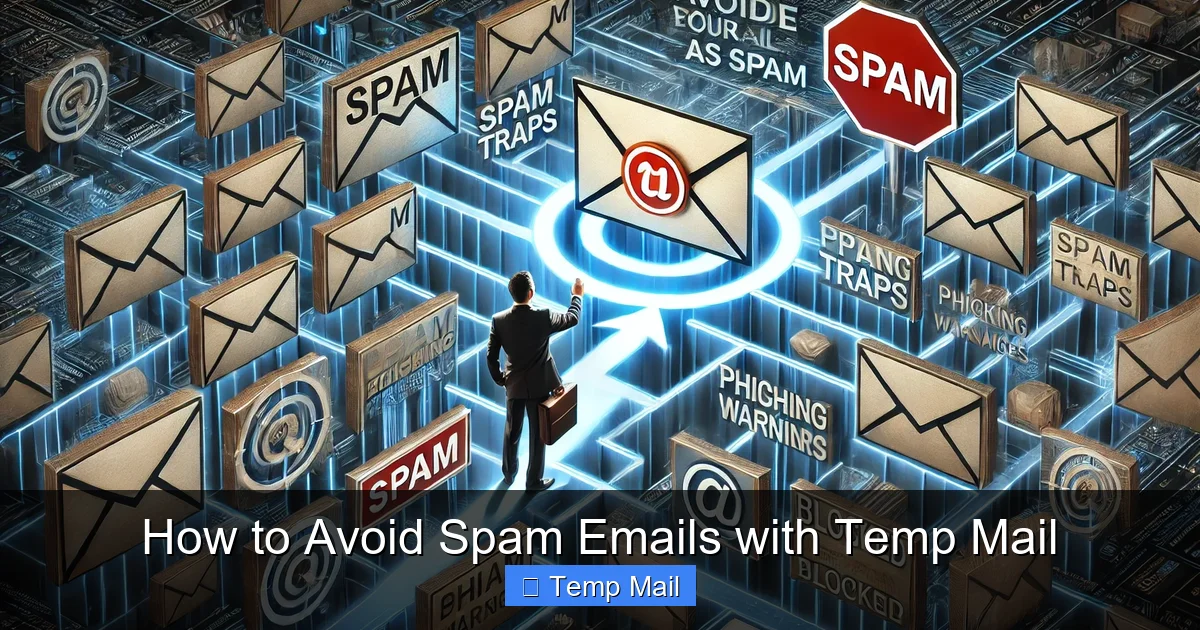
Spam emails not only clutter your inbox but also pose serious privacy and security risks. Temporary email services, or “temp mail,” offer a simple yet powerful solution by providing disposable email addresses for online interactions. This guide explains exactly how to leverage these tools to sign up for websites, download resources, and verify accounts without ever exposing your primary email, effectively cutting off spam at the source.
Ever feel like you’re fighting a losing battle against your inbox? Every day, a new tide of promotional offers, fake lottery wins, and suspicious “account alerts” floods in. This isn’t just annoying; it’s a drain on your time and a potential gateway for malware and phishing scams. What if you could build a force field around your primary email address? Enter the world of temporary email, or “temp mail” – your first line of defense in the war against spam. This isn’t about complicated security software; it’s about a brilliantly simple concept: use an email address you don’t care about for things you don’t trust. Let’s dive deep into how this works and how you can master it to reclaim your digital peace.
Before we talk solutions, let’s understand the enemy. Spam isn’t just unwanted ads; it’s a massive ecosystem. Every time you enter your email on a website, you’re potentially handing it to a data broker. Companies sell email lists, websites get hacked, and bots scrape addresses from public forums. Your address gets traded, often without your consent. The result? A primary inbox bombarded with irrelevant stuff, from “miracle” weight loss pills to fake invoice scams. Even with spam filters, some always get through. The real danger lies in phishing emails designed to steal your passwords or financial info, and malware attachments. The more places your email appears, the higher your risk. The core strategy to combat this is containment. If a website or service doesn’t need your real, permanent email, why give it to them? This is where the temp mail philosophy changes everything.
Imagine you sign up for a free webinar using your main Gmail address. A year later, that webinar platform suffers a data breach. Hackers steal their entire user database, including your email. Now, your address is on the dark web, sold to the highest bidder. Within weeks, you’re targeted by highly personalized spam and phishing attempts that reference the webinar topic, making them seem more legitimate. This is the domino effect. A single, seemingly harmless sign-up can have long-term repercussions. Temp mail breaks this chain by ensuring that any email address you use for such purposes is ephemeral. When the service gets breached, there’s no permanent, valuable email tied to your identity to leak.
Temp mail is a service that generates a random, working email address for you to use instantly, without registration. These inboxes are hosted on the provider’s servers and are designed to be completely temporary. Key characteristics include:
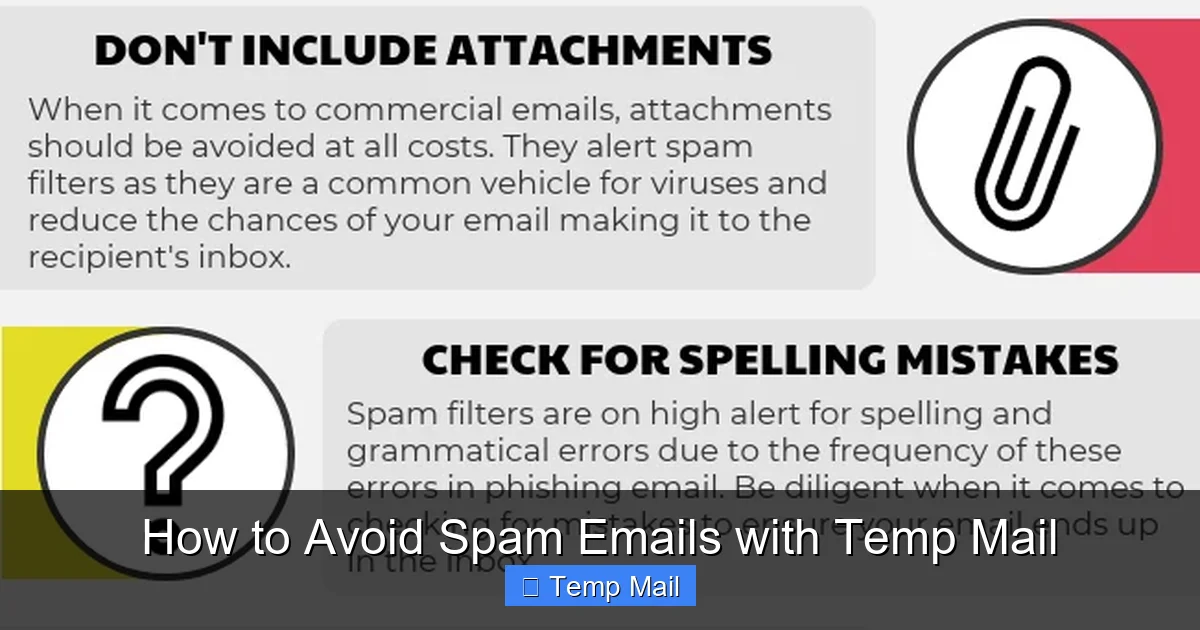
Visual guide about How to Avoid Spam Emails with Temp Mail
Image source: lessitermedia.com
It’s important to distinguish temp mail from your everyday email (Gmail, Outlook) and from email aliasing services (like SimpleLogin or Firefox Relay). Regular email is permanent, feature-rich, and intended for all your important communications. Email aliasing creates a forwarder to your main inbox; you maintain control and can revoke aliases, but emails still land in your primary account. Temp mail is a true dead end. It’s a buffer zone with no connection back to you. You use it, you receive what you need (a confirmation link, a download file), and then the address vanishes into the digital ether. It’s the most extreme form of email compartmentalization.
Using temp mail is technically simple, but using it effectively requires a bit of strategy. Here’s your practical playbook.
Visual guide about How to Avoid Spam Emails with Temp Mail
Image source: anonymmail.net
Not all temp mail providers are created equal. Some are slow, have short inbox lifespans, or have poor privacy practices. Look for these features:
Popular, generally reliable options include Temp-Mail.org, 10MinuteMail, and Guerrilla Mail. Always have a backup service in mind.
Let’s walk through a common scenario: you want to download a free PDF guide that requires an email address.
Pro Tip: If a website says the confirmation email hasn’t arrived, wait 2-3 minutes first. Always check the “Spam” or “Junk” folder within the temp mail interface, as some services misclassify emails.
For power users, using a single temp address for everything defeats part of the purpose. Adopt a simple system:
This way, if one category’s address starts getting excessive spam (which can happen before expiration), it’s isolated, and you know which type of site is the culprit. Simply stop using that specific address and generate a new one for that category.
Beyond avoiding spam, temp mail is a versatile tool for digital hygiene and development.
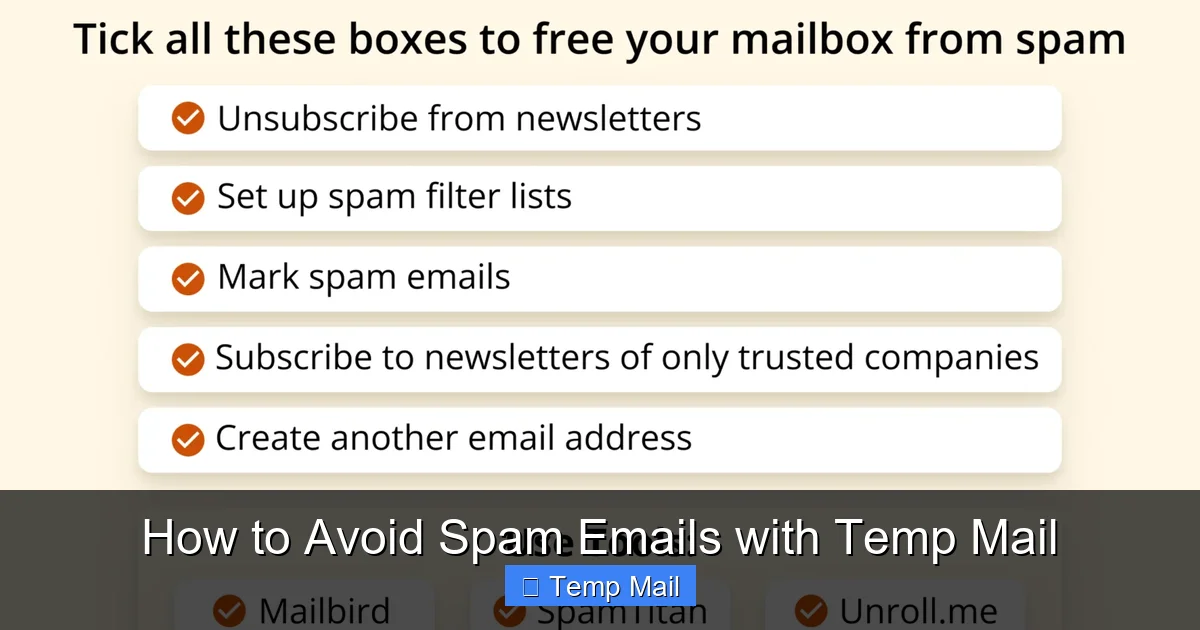
Visual guide about How to Avoid Spam Emails with Temp Mail
Image source: getmailbird.com
Testing user flows that involve email verification (registration, password reset, notification triggers) requires a reliable way to receive and interact with those emails. Integrating a temp mail API or using a service with a public inbox allows QA teams to automate this process without creating dozens of real Gmail accounts. You can script the retrieval of the verification link from the disposable inbox to complete the test cycle.
Journalists, activists, or researchers investigating sensitive topics can use temp mail to sign up for potentially risky newsletters or access documents from sources who require an email. It separates their professional or personal identity from the research activity. Similarly, when comparing prices on travel or e-commerce sites that require an email to see full results, a temp address prevents being put on a permanent marketing list.
Many valuable resources—research papers, industry reports, software betas—are hidden behind an email gate. While some sites use this legitimately for lead generation, others are just harvesting emails. Using temp mail allows you to ethically access the resource you need without consenting to long-term marketing. It’s a way to say, “I want this content now, but I do not consent to a relationship.”
Relying solely on temp mail is a mistake. Understanding its boundaries is crucial for safe and effective use.
This is the cardinal rule. Never, ever use a temp mail address for:
When the temp inbox expires, you will be locked out forever. There is no password recovery. You will lose access to any data, purchases, or connections tied to that account. It’s a one-way trip.
Many major platforms (Google, Facebook, Microsoft, major banks) actively maintain and update lists of known disposable email domains and block them at the registration stage. If you try to sign up, you’ll get an error like “Please enter a valid email address.” This is a necessary security measure for them, but it means temp mail has limited utility on the most popular websites. Smaller forums, blogs, and download sites are the primary targets for this tool.
While temp mail protects your address from spam, the email content itself is not necessarily private. The service provider can technically read any email sent to that public inbox. Therefore:
To become a true temp mail power user, follow these guidelines.
Do not reuse a temp mail address across multiple unrelated websites. The moment one site sells its list or gets breached, your address is tainted. A new site = a new address. This contains the spam potential to one source.
Before you begin a sign-up process, glance at the countdown timer on the temp mail site. If it says “5 minutes left,” refresh to get a new, longer-lasting inbox. Don’t start a process that might require email verification if your inbox is about to die.
This is a trap. If you use a temp mail for a forum account and then lose access to your account, you cannot recover it because the recovery email no longer exists. Always use a permanent email for any account you might want to recover in the future.
Your IP address is often logged when you visit the temp mail site. For maximum anonymity, use a reputable VPN service before generating your temporary email. This prevents the temp mail provider from linking your session to your real IP location, adding another layer of separation.
After using temp mail for anything, clear your browser’s cache, cookies, and history. This prevents any accidental session persistence and removes any tracking cookies the site you visited may have dropped.
The spam problem exists because our email addresses are treated as public commodities. Temp mail is a grassroots consumer response—a way to opt-out of that economy on a case-by-case basis. As privacy regulations like GDPR and CCPA evolve, there is a slow shift towards requiring clearer consent for data sharing. However, technical tools like temp mail remain a vital, immediate shield for the individual. By conscientiously using disposable emails for low-value interactions, you are not only cleaning your own inbox but also sending a signal: my email address has value, and I choose when and where to share it. Adopting this habit is a small, daily act of digital self-defense that compounds into significant long-term privacy and security.
Yes, using temporary email services is legal in most jurisdictions. They are legitimate tools designed for privacy protection. However, using them for fraudulent activities, to bypass terms of service maliciously, or to send illegal content is, of course, illegal. The tool itself is neutral; its legality depends on your intent and local laws.
Temp mail is safe in the sense that it protects your primary email from being targeted in a breach. However, the temporary inbox itself is not a secure communication channel. The provider can potentially read emails, and since many use public inboxes, anyone on the site could see your emails if they know the random address. Never use it for sensitive communications or account logins.
Absolutely not. You should never use a temporary email address for any service where long-term access, security, and account recovery are critical. Social media, online banking, primary cloud storage, and main communication accounts must all use a permanent, secure email that you control and will maintain indefinitely.
Once the predetermined lifespan (e.g., 1 hour, 24 hours) is over, the inbox and all emails within it are permanently and irreversibly deleted from the provider’s servers. The email address is then recycled and given to a new user. There is no way to recover the address or any messages sent to it after expiration.
Yes, there are many completely free temp mail services. Their safety depends on their reputation and transparency. Look for services that do not require registration, have a clear privacy policy stating no logging, and offer a reasonable inbox lifespan. Be wary of free services that bombard you with ads or ask for unnecessary permissions, as they may be harvesting data. Paid services often offer more features, longer lifespans, and private inboxes.
You’ll typically find out at the point of registration. When you enter the disposable email address and submit the form, the website’s validation will fail and display an error message. Common messages include “Please enter a valid email address,” “Disposable email addresses are not allowed,” or “This email domain is blocked.” At that point, you must use a different domain from your temp mail provider or a different provider altogether.
অনলাইন নিউজপেপার থিম। এই থিমটি দিয়ে আপনারা বাংলা এবং ইংরেজি নিউজপেপার সাইট তৈরি করতে পারবেন । বার্তা ও বাণিজ্যিক কার্যালয়: ৭১, মতিঝিল, ঢাকা-১০০০। সম্পাদক : মো আসাদুজ্জামান আমানউল্লাহ । মোবাইল : ০১৭০০-০০০০০০ । ইমেইল : [email protected] ।
All rights reserved © 2019 themesdealer.Com












