Image for Temp Mail for Instant Email Access



Tired of giving out your real email for every online form? Temp mail provides a instant, disposable email address that protects your primary inbox from spam and data mining. It’s perfect for one-time sign-ups, testing services, or accessing gated content without commitment. These addresses auto-delete after use, offering a simple layer of privacy. However, they aren’t for important accounts or sensitive transactions. Use them wisely to keep your digital footprint clean and your main email safe.
Imagine you’re trying to download a handy PDF guide or sign up for a free webinar. The website asks for your email address. You hesitate. You know that entering your primary email might lead to a lifetime of newsletters, promotional spam, and your address being sold to third-party advertisers. What if you could just… use a different email for this one thing, and then forget it ever existed? That’s the core promise of temp mail.
Temp mail, also called disposable email, temporary email, or throwaway email, is a service that provides you with a random, working email address for a very short period. Think of it like a burner phone for your digital communications. You don’t own it; you just borrow it for a specific, fleeting purpose. These services generate an inbox for you on their servers, complete with an @domain address, and you can receive emails there almost instantly. The magic is in the impermanence. After a set time—often 10 minutes, 1 hour, or 1 day—the address and all its emails self-destruct. No trace. No cleanup required.
This concept has been around for years, but its importance has skyrocketed as our digital lives become more interconnected and data privacy concerns dominate headlines. It’s a simple, powerful tool for regaining a tiny bit of control in an ecosystem that constantly demands your contact information. In this guide, we’ll dive deep into how temp mail works, when to use it, the pitfalls to avoid, and why it might be the most underrated privacy tool in your digital toolkit.
Your Gmail, Outlook, or Yahoo account is a persistent, personal asset. It’s tied to your identity, your contacts, your calendar, and often your password recovery for dozens of other services. It’s meant for long-term communication. A temp mail address is the opposite. It’s anonymous (to the service you’re using it with), transient, and functionally useless after its short window. You wouldn’t use your home address to receive a single package from a sketchy vendor; you’d use a PO box. Temp mail is the digital equivalent of that PO box for your email.
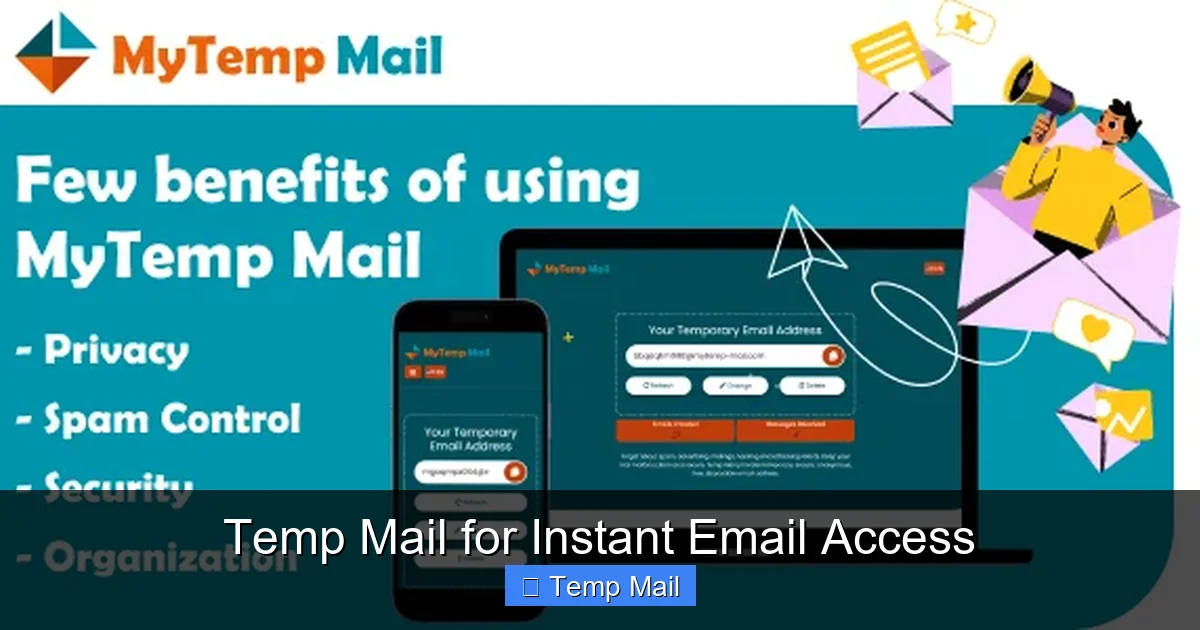
The beauty of temp mail lies in its stunning simplicity. There’s no “how-to” manual needed. Here’s the typical, seamless flow:
Visual guide about Temp Mail for Instant Email Access
Image source: miro.medium.com
That’s it. No account to create, no two-factor authentication, no recovery email needed. The entire process takes less time than making a cup of coffee.
Technically, these services run on standard email server software but are configured for extreme ephemerality. They often use their own domain names and set very short TTL (Time To Live) values for emails and user sessions. Some advanced providers offer browser extensions or mobile apps for quicker access. The key is that the email address exists only in the provider’s active memory. Once the timer hits zero, the address is purged from the system, and any future emails sent to it bounce back as undeliverable.
Knowing *that* temp mail exists is one thing. Knowing *when* and *why* to use it is where its real value emerges. Here are the most common and effective scenarios.
Visual guide about Temp Mail for Instant Email Access
Image source: mytemp-mail.com
This is the classic use case. You want to read an article behind a “free subscription” wall, download a whitepaper, or access a software trial. The company’s primary goal isn’t just to verify you’re human; it’s to capture your email for their marketing funnel. Using your real email guarantees a newsletter every week until you unsubscribe (and sometimes even after). A temp mail address lets you get the content you want, complete the required verification, and then vanish. The marketing emails go to a dead address, not your primary inbox. It’s a clean, ethical way to bypass an otherwise unavoidable data capture tactic.
Are you a developer testing user registration flows? A curious user wanting to try a new social app without creating a permanent profile? Temp mail is your best friend. You can quickly create a test account, explore the app’s features, and then discard the email. This is invaluable for QA testing, ensuring your app handles various email domains correctly, or simply for a no-strings-attached trial run of a service you’re skeptical about. It keeps your digital identity compartmentalized.
Many online forums, especially those discussing sensitive topics (health, finance, politics), require email registration to prevent spam bots. However, you may not want the forum admin (or anyone who could hack the forum) to have your real email. Using a temp mail address allows you to participate in the discussion while keeping your personal contact information private. It separates your forum persona from your real-world identity.
You’ve seen them: “Enter your email to download this template/research report/ebook.” Often, the content isn’t worth the ensuing email flood. Temp mail lets you be a “content pirate” in the most legitimate way—you get the asset you were promised without giving away your contact details. It’s a form of quiet protest against the “everything must be paid for with an email” economy.
If you’re using a library computer, a hotel business center, or a friend’s device, logging into your personal email (or any account) can be risky. Keyloggers or browser caching could steal your credentials. Using a temp mail address to receive a one-time password or verification link for a non-critical account adds a layer of safety. Even if someone accesses the temp mail inbox later, the address will likely be expired, rendering any saved links useless.
Beyond the specific use cases, adopting temp mail as a regular part of your online behavior yields significant cumulative benefits.
Visual guide about Temp Mail for Instant Email Access
Image source: mytemp-mail.com
Your primary inbox is probably a chaotic mix of work, family, subscriptions, and promotions. Every unwanted newsletter you sign up for accidentally adds to that cognitive load. By consistently using a disposable address for any non-essential sign-up, you keep your main inbox pristine. This leads to less stress, fewer missed important emails in the clutter, and a drastically improved signal-to-noise ratio. It’s a simple system for achieving and maintaining inbox zero.
Every time you enter your real email online, you’re creating a data point. That point can be linked to your IP address, your browsing habits, and eventually, your real identity. These data points are packaged and sold in the data broker economy. Using a temp mail address for low-stakes interactions means that particular data point is attached to a phantom identity that vanishes in an hour. You are effectively reducing the size and value of your permanent digital footprint. It’s a practical step towards data minimization, a core privacy principle.
How much time have you spent unsubscribing from newsletters you never wanted? How many times have you had to dig through a spam-filled inbox to find a legitimate email? Temp mail eliminates that problem at the source. It saves you the future time and annoyance of dealing with spam you never consented to receive in the first place. It’s a proactive time-saver.
There’s immense freedom in knowing an interaction has no long-term consequences. You can explore a website, a service, or a community with curiosity, not caution. This encourages learning and experimentation online without the fear of being “locked in” by an email subscription you can’t easily escape. It lowers the barrier to trying new digital tools.
Temp mail is a powerful tool, but it’s not a universal solution. Misusing it can lead to real problems. Understanding its limitations is critical for safe and effective use.
This is the golden rule. Never, ever use a disposable email for:
The rule of thumb: if losing access to the email would cause significant financial loss, legal trouble, or permanent loss of important data or relationships, do not use temp mail.
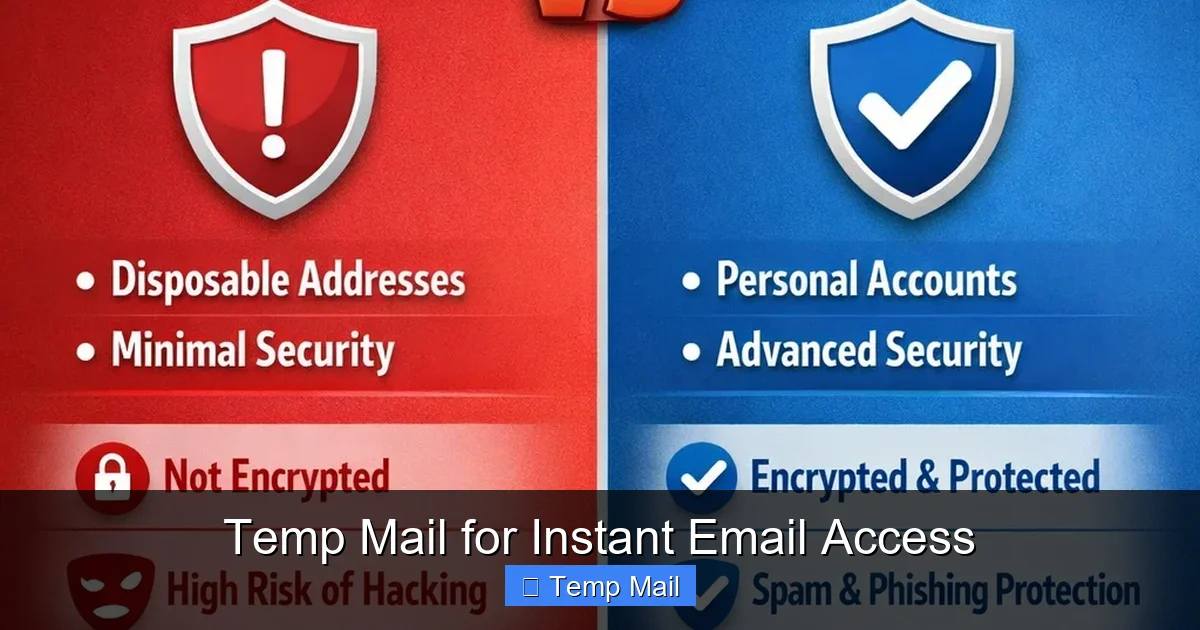
While temp mail protects you from the *service you’re signing up for*, it does not create absolute anonymity. The temp mail provider itself can see every email that passes through their system. A malicious or compromised provider could read your emails. Therefore:
Not all temp mail services are created equal.
To get the most out of temp mail while staying safe, follow these practical guidelines.
Think of your email addresses in tiers:
Sticking to this system ensures you never accidentally use a disposable address for something important.
Not all services are equal. Look for these features:
The rise of temp mail is a direct response to the broken “email for access” model of the modern web. As data privacy regulations like GDPR and CCPA give users more rights, tools that empower individuals to control their data—like disposable emails—will become even more mainstream. We may see tighter integration with password managers, browser-native disposable email features (some browsers are experimenting with this), and more sophisticated anti-abuse measures from websites that balance their need for verification with user privacy.
Ultimately, temp mail is more than a convenience; it’s a statement. It says, “I am willing to engage with your service, but I do not trust you with my permanent identity.” It’s a small act of digital self-defense. By consciously choosing when to give away your real email and when to use a disposable shield, you take back power. You reduce spam, you minimize your data exhaust, and you declutter your digital mind. It’s a simple habit with an outsized impact on your online peace of mind.
In a world that constantly asks for your email, temp mail offers a elegant, instant solution. It’s not a magic bullet for all privacy woes, but for the specific problem of “I need to prove I’m a human to get this thing, but I don’t want my real email,” it’s perfect. It protects your primary inbox from spam, saves you time unsubscribing, and helps you maintain a cleaner, more secure digital identity. The key is to use it intelligently: for one-time tasks, tests, and content access, never for accounts of value. By adopting the “hierarchy of email” mindset and choosing a reliable provider, you can experiment, download, and sign up with confidence, knowing your primary communication lifeline remains untouched and your long-term digital footprint stays small. Start using a disposable email address today—it’s one of the easiest, fastest ways to clean up your online life.
Yes, using a temporary email service is completely legal in most jurisdictions. It’s a legitimate privacy tool. However, using it to commit fraud, evade legal obligations, or send malicious content is illegal, regardless of the email type used.
Generally, no. The temp mail provider does not require any personal information to create the address, so there’s no account linking it to your identity. However, your internet service provider (ISP) can see that you visited the temp mail website. If law enforcement has a compelling reason, they could subpoena the temp mail provider for server logs, but this is rare for casual use.
It varies by provider. Common expiration times are 10 minutes, 1 hour, 1 day, or until you close the browser tab. Some services allow you to manually extend the time or keep the address active longer as long as you keep refreshing the page. Always check the specific provider’s countdown timer.
They are permanently and irreversibly deleted from the provider’s servers. The email address becomes invalid, and any future emails sent to it will bounce back to the sender with an “address not found” error. There is no way to recover those emails.
Most disposable email services are designed primarily for receiving emails (like verification links). Sending capabilities are often limited, non-existent, or disabled to prevent abuse for spam. You should assume a temp mail address is for receiving only.
Safety is relative. The connection to the temp mail site is usually encrypted (HTTPS), which is good. However, the provider itself may have poor security practices. Since you’re not using it for sensitive accounts, the risk is lower. The main risk is someone else accessing the open browser tab on a shared computer, or a malicious provider reading your emails. Never use it for password resets or sensitive data.
অনলাইন নিউজপেপার থিম। এই থিমটি দিয়ে আপনারা বাংলা এবং ইংরেজি নিউজপেপার সাইট তৈরি করতে পারবেন । বার্তা ও বাণিজ্যিক কার্যালয়: ৭১, মতিঝিল, ঢাকা-১০০০। সম্পাদক : মো আসাদুজ্জামান আমানউল্লাহ । মোবাইল : ০১৭০০-০০০০০০ । ইমেইল : [email protected] ।
All rights reserved © 2019 themesdealer.Com











