Image for Best Temp Email Tools Online



Temporary email tools are your first line of defense against inbox spam and data harvesting. They provide disposable, self-destructing email addresses ideal for one-time sign-ups, downloads, and verifications. This guide cuts through the noise to review the most reliable, user-friendly services in 2024, explaining exactly how and when to use them for maximum privacy and convenience without compromising security.
Ever signed up for a free ebook, a one-time discount, or a forum only to be bombarded with promotional emails for the next five years? That’s your primary email address, a valuable digital asset, being traded and abused. What if you could hand out a “burner” email instead—one that self-destructs after the job is done? Enter the world of temporary email tools, a simple yet powerful category of online utilities designed solely for privacy and convenience. This isn’t about hiding illegal activity; it’s about taking back control. In this comprehensive guide, we’ll explore the best temp email tools online, how they work, and exactly how you can use them to declutter your digital life without falling into security pitfalls.
At their core, temporary email services provide you with a random, disposable email address and a public inbox. Unlike traditional email providers like Gmail or Outlook, there’s no password, no lengthy sign-up process, and no expectation of long-term use. You visit the website, you’re instantly assigned an address (e.g., [email protected]), and you can start receiving emails right in your browser. The magic lies in the ephemeral nature: after a predetermined period—often 10 minutes, 1 hour, or 24 hours—the entire address and its contents vanish into the digital void.
These tools work by hosting catch-all mail servers. When an email is sent to any address at their domain (like @mailinator.com), their server accepts it and makes it viewable through a web interface, typically indexed by the random inbox name. No authentication is required to view the inbox, which is why you can share the inbox URL or just refresh the page. This open architecture is what makes them so convenient but also necessitates caution about what you receive.
The terms are often used interchangeably, but there are nuances. “Temp mail” and “disposable email” are essentially the same: short-lived, anonymous inboxes. “Email forwarding” services (like SimpleLogin or AnonAddy) are different; they create a permanent alias that forwards to your real inbox. You can delete the alias later, but the forwarding is ongoing until you stop it. Temp mail is a true one-time, no-forwarding solution.
You might be thinking, “Is this really necessary?” The answer is a resounding yes for several everyday scenarios. Think of your primary email as your home address. You wouldn’t give it to every random street vendor, so why give it to every website?
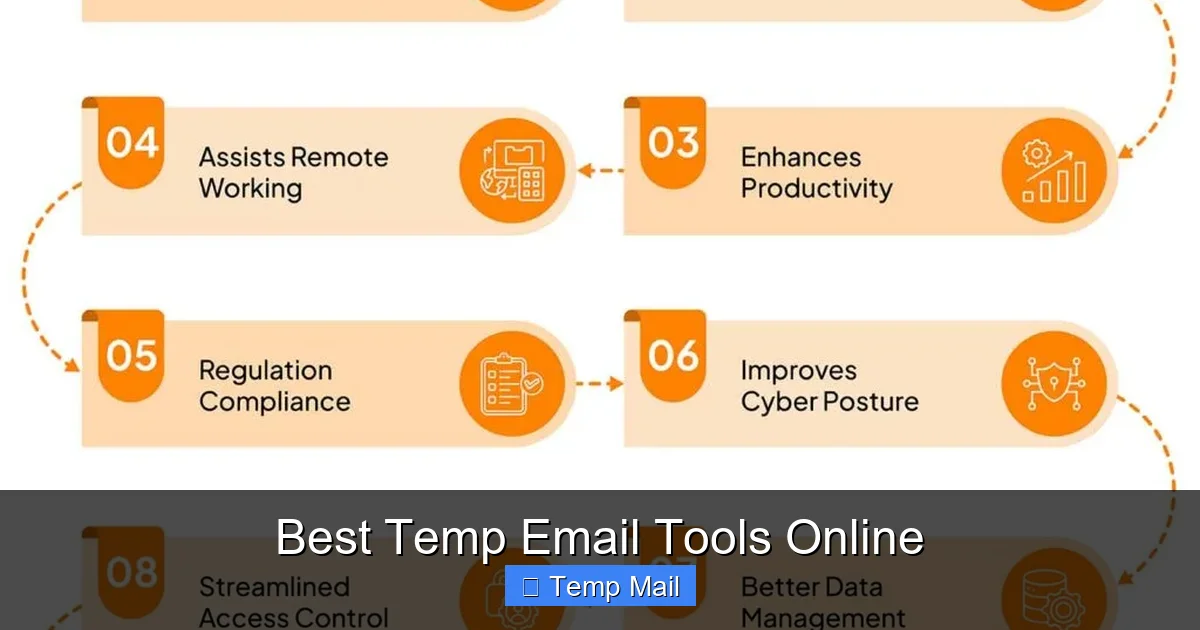
Visual guide about Best Temp Email Tools Online
Image source: sprinto.com
This is the number one reason. Every time you download a whitepaper, enter a contest, or sign up for a free trial, you’re often consenting to marketing emails. Using a temp email for these low-stakes interactions means all that promotional clutter goes to an inbox that deletes itself, keeping your main inbox pristine for personal and professional communications.
How many times have you abandoned a download because it demanded an email? A temp email lets you effortlessly bypass these gates. Want the PDF, the coupon code, or the software trial? Generate a temp address, get the file, and walk away. No commitment, no follow-up.
Are you a developer testing user email flows? A curious user wanting to peek at a service before committing? A temp email lets you register, explore, and evaluate without leaving a traceable personal footprint. It’s a sandbox for your digital identity.
If a website you used a temp email for suffers a breach, the hackers only get that disposable address. Your real name, your primary email, and your linked accounts remain safe. It compartmentalizes your digital risk.
Not all temp mail services are created equal. Some are faster, some offer more features, and some prioritize privacy more than others. Here are the standout tools, tested for reliability and ease of use.

Visual guide about Best Temp Email Tools Online
Image source: elegantthemes.com
Often the first result for a reason, Temp-Mail is a powerhouse of features in a clean interface.
The veteran of the space, known for its raw simplicity and speed.
True to its name, this service is for the ultra-short term. It’s the epitome of “get in, get out.”
A strong contender with a focus on user experience and a built-in password manager for the temporary inbox.
Minimalist and privacy-focused. It has a very clean, no-advert interface (though some ads may appear).
Offers a different twist: you can *choose* your own disposable address from a list of domains, rather than getting a random one.
Using these tools is simple, but using them effectively requires a bit of strategy. Here’s your action plan.
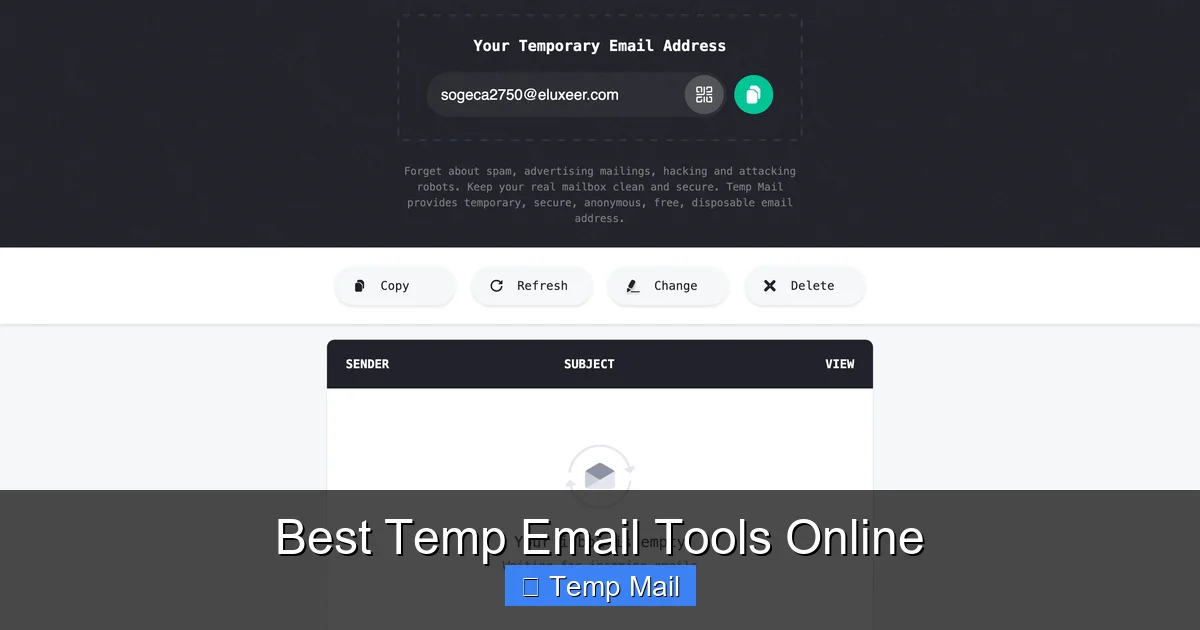
Visual guide about Best Temp Email Tools Online
Image source: temp-mail.io
The biggest mistake is treating a temp email like a real one. Here’s what you must never do:
Temp mail is a privacy tool for the casual web, not an encryption service. Understanding its limits is crucial for safe usage.
Since anyone with the inbox URL can read the emails, never receive password resets, financial statements, or confidential documents to a temp address. It’s like posting a postcard for anyone to read. The privacy benefit is from the *sender* not having your real address, not from the content being secret.
Reputable services like Temp-Mail and Guerrilla Mail have clear privacy policies stating they don’t log IP addresses or sell data. However, smaller, ad-supported sites might log IPs to serve targeted ads or may have poorly secured servers. Always check the privacy policy if you’re concerned. For maximum anonymity, use a reputable VPN alongside your temp email tool.
Only use temp mail services that force HTTPS (the padlock icon in your browser). This encrypts the connection between your browser and their server, preventing your network admin or ISP from seeing which inbox you’re viewing. All the top tools listed above use HTTPS by default.
The cat-and-mouse game between websites trying to block temp emails and temp mail services trying to evade detection is ongoing. Here’s where the landscape is heading.
Services like Google, Facebook, and Microsoft increasingly maintain lists of known temp mail domains and block them at registration. This is why tools with multiple domain options (like Temp-Mail) or the ability to generate custom domains (like Dispostable) have an advantage. The future will likely see more sophisticated blocking, potentially analyzing email syntax patterns beyond just domain blacklists.
We’re already seeing this with browser extensions. Expect tighter integration with privacy-focused browsers (Brave, Firefox) and password managers. Imagine generating a temp email directly from your password manager’s autofill menu.
While not strictly “temp,” services like SimpleLogin, AnonAddy, and Firefox Relay are gaining massive traction. They create permanent, unique aliases that forward to your real inbox, which you can disable at any time. They offer more control and longevity than a pure temp email but require an account. They represent the evolution of the disposable email concept for users who want a balance of convenience and persistent management.
Temporary email tools are an essential, free, and remarkably simple weapon in your online privacy arsenal. They are not a solution for everything, but for the specific, mundane task of accessing gated content or signing up for services with no long-term value, they are perfect. By choosing a reputable tool from the list above, understanding the clear security boundaries, and following the practical workflow, you can effectively say “no” to permanent spam and data collection. Start using a temp email for your next one-off download. Experience the quiet joy of an inbox that doesn’t scream at you. Once you do, you’ll wonder how you ever surfed the web without this basic shield. Your primary email address is your digital home—guard it like you would your front door. For every other knock, have a disposable mailbox ready.
Yes, using a temporary email service is completely legal in most jurisdictions. It’s a legitimate tool for privacy protection. However, using it to commit fraud, evade legal bans, or send harassment is illegal, regardless of the email type used.
They are safe from *marketing spam* on your primary account, but the inbox itself is not private. Anyone with the URL can read the emails. Reputable services don’t log your IP, but you should never send sensitive personal or financial data to a temp address. Their safety is for privacy from senders, not for secure communication.
In practice, there is no significant difference. Both terms refer to short-lived, anonymous email addresses. Some people use “disposable” to imply a slightly longer lifespan (hours/days) while “temporary” is very short (minutes), but the services overlap completely.
It varies by service. Common lifespans are 10 minutes (10MinuteMail), 60 minutes (Guerrilla Mail), 1 hour (Dispostable), or 24 hours (Maildrop). Some, like Temp-Mail, allow you to choose the duration. The address and all its emails are permanently deleted after the time expires.
Absolutely not. You will be permanently locked out of these accounts if you lose access to the email. Temp emails are for low-stakes, one-time interactions only. Always use a secure, permanent, and password-protected email for any account you need to access or recover in the future.
They are permanently and irreversibly deleted from the provider’s servers. The inbox is wiped, and the email address becomes available for reuse by someone else. There is no way to retrieve the messages or the specific address after expiration.
অনলাইন নিউজপেপার থিম। এই থিমটি দিয়ে আপনারা বাংলা এবং ইংরেজি নিউজপেপার সাইট তৈরি করতে পারবেন । বার্তা ও বাণিজ্যিক কার্যালয়: ৭১, মতিঝিল, ঢাকা-১০০০। সম্পাদক : মো আসাদুজ্জামান আমানউল্লাহ । মোবাইল : ০১৭০০-০০০০০০ । ইমেইল : [email protected] ।
All rights reserved © 2019 themesdealer.Com











