Image for Disposable Email for One-time Verification


Disposable email addresses are temporary inboxes designed for one-time verification tasks, shielding your primary email from spam and data breaches. They work instantly without registration, offering a simple way to access gated content or complete sign-ups while maintaining anonymity. However, they aren’t suitable for important accounts or sensitive communications due to their transient nature.
You’re excited to download that free ebook or snag a discount code for a new software tool. You click the “Get Your Copy” button and are met with a form. Name, maybe a password—standard stuff. Then, the final field: Email Address. A little pause. Do you use your primary, personal email, the one tied to your bank account and family? For a one-time freebie? That feels like overkill, and you can already picture the unsubscribe links from future marketing blasts cluttering your inbox. This is the universal moment where disposable email for one-time verification enters the stage as a quiet hero of digital privacy.
In a world of data harvesting and relentless digital marketing, our email addresses have become valuable commodities. Every sign-up is a potential gateway for spam, data brokers, and security breaches. But what if you could have a “burner” email, just for this single interaction? That’s the core promise of disposable email services, often called temp mail. They provide a temporary, anonymous inbox that lives for a short time—often just 10 minutes to a few days—and then vanishes without a trace. It’s not about being secretive; it’s about being smart and protecting your primary digital identity from unnecessary exposure. Let’s dive deep into how these tools work, when to use them, their limitations, and how to choose the right one for your one-time verification needs.
The magic of a disposable email isn’t sorcery; it’s clever, streamlined engineering. Unlike creating a Gmail or Outlook account, which requires a password, recovery phone number, and sometimes even a real name, a temp mail service is designed for zero friction. The process is almost unreal in its simplicity.
You visit a website like Temp-Mail.org, 10MinuteMail.com, or Guerrilla Mail. The moment the page loads, it generates a random email address for you, typically something like [email protected]. Beside it, you’ll see a button or tab labeled “Inbox.” You click that, and you’re looking at a fully functional, albeit temporary, email inbox. There’s no “Sign Up” button. No “Create Account.” The address is yours to use immediately. You copy it, paste it into the website you’re accessing, and wait for the verification email to pop right into that same browser window.
These services run on large pools of domain names they own or control. When your random address is created, the system sets up a catch-all inbox on their mail servers for that specific subdomain. All emails sent to [email protected] are routed to a database linked to your unique session, usually identified by a cookie in your browser or a temporary session ID. The email is stored temporarily and displayed in your web-based inbox interface. Once the timer expires (set by the service, often 10 minutes, 1 hour, or 1 day), the inbox and all its contents are automatically purged from their servers. No recovery, no forwarding, no trace.
The lack of registration is the biggest draw, but it comes with a critical trade-off: you have no persistent login. If you close your browser tab, you lose access to that specific inbox forever unless you use a feature some services offer—a “bookmark” or “save” link that preserves your session ID. This means if you need to check the inbox later from a different device, it’s impossible. The address and its emails are tied to that initial browser session.
Using a disposable email isn’t about hiding illicit activity; for the vast majority of users, it’s a pragmatic tool for digital hygiene. The benefits are clear and immediately impactful.
Visual guide about Disposable Email for One-time Verification
Image source: devdude.com
This is the numero uno reason. Every time you use your primary email to sign up for a free trial, download a resource, or enter a contest, you’re adding your address to a marketing list. Even if you unsubscribe later (a tedious chore), the initial sign-up often opens the floodgates. A disposable email acts as a perfect spam sponge. It catches the verification email, lets you complete the action, and then the address self-destructs. Any subsequent “special offer” emails bounce into the void. Your primary inbox remains a sanctuary for emails from people you actually know and services you genuinely value.
Data breaches are daily news. When a company you signed up with suffers a breach, hackers often steal email databases. If you used a disposable address for that one-off sign-up, the breached data contains a dead-end email. There’s no link back to your real identity, your other accounts, or your professional life. It’s a simple but powerful way to compartmentalize your digital footprint. You’re not eliminating risk, but you’re drastically limiting the blast radius of any single data leak.
Many legitimate websites use email gates for what they consider “high-value” content—whitepapers, case studies, webinar recordings. They want your email in exchange. If you’re on the fence about the company or just need that one file, providing your primary email feels like a commitment you don’t want to make. A disposable email lets you be a “taker” without becoming a “lead” in their system. You get the content, they get a valid-but-temporary email that works for their verification, and both parties move on.
For developers, QA testers, or anyone building web forms, disposable emails are indispensable. They allow for rapid testing of email verification flows without spamming real user accounts or polluting production data. You can test what happens when a user clicks a verification link, what the email template looks like, and how the system handles invalid or expired addresses, all in a safe, disposable sandbox.
Disposable email is a powerful tool, but it is not a universal solution. Understanding its limitations is crucial to using it safely and effectively. Misusing it can lead to lost access, security flaws, or outright failure to access needed services.
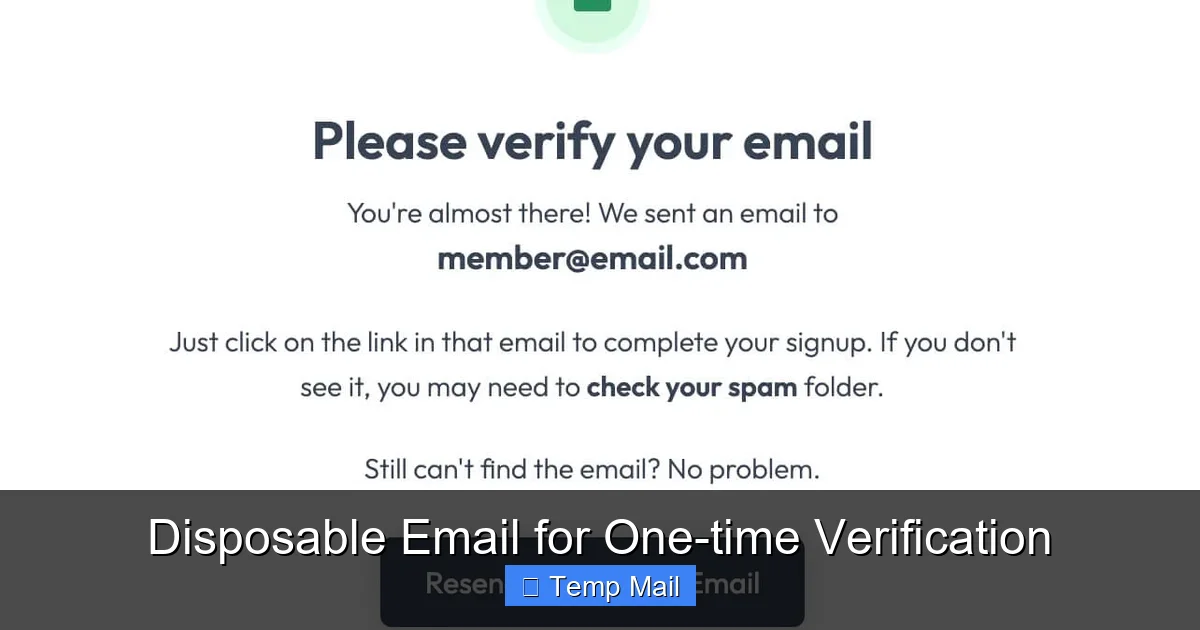
Visual guide about Disposable Email for One-time Verification
Image source: assets-global.website-files.com
The core feature is also its greatest weakness. Once the timer runs out, the inbox is gone forever. If you need to receive a password reset email for an account you created with a disposable address, you are locked out permanently. There is no “forgot password” because the “email” no longer exists. This makes disposable emails completely unsuitable for any account you need to access repeatedly—social media, banking, cloud storage, work tools, or even a forum you plan to post on regularly.
Smart companies know about temp mail. To protect their platforms from spam, fraud, and fake accounts, major services like Google (Gmail/Google Account), Facebook, Instagram, Twitter/X, LinkedIn, and most banking/payment platforms actively block known disposable email domains at the sign-up stage. If you try to use @tempmail.com to create a Facebook account, it will be rejected instantly. They maintain constantly updated blocklists. Using a disposable email for these services is simply not an option.
While you don’t provide personal info to the temp mail service, your anonymity has bounds. The service itself can see your IP address when you visit their site. A reputable service might not log this, but a shady one could. Furthermore, the website you’re signing up with receives the email from the disposable service’s server, so they know the communication originated from that service. For high-stakes anonymity (like whistleblowing), specialized, encrypted tools like ProtonMail (with a throwaway alias) are more appropriate than a public temp mail site.
Because your inbox is tied to a browser session or a simple bookmark link, anyone with access to your computer while the tab is open can read the verification emails. There is no password barrier. This makes it dangerous to use on shared or public computers if you don’t close the session properly. Also, if the service experiences a technical glitch and purges your session early, your verification email is lost.
Knowing the “what” and “why” is good, but the “when” is what makes you a savvy digital citizen. Here are the perfect, low-risk scenarios for deploying a disposable email.
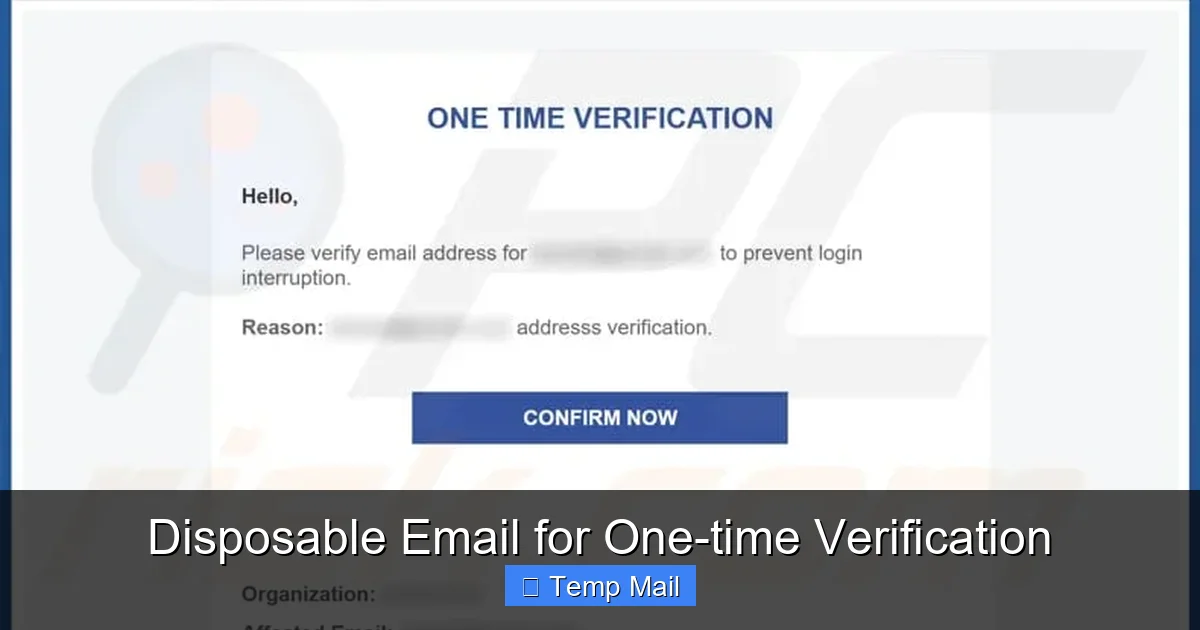
Visual guide about Disposable Email for One-time Verification
Image source: pcrisk.pt
This is the bread and butter. You want a PDF guide, a research report, a template, or a software trial. The website asks for an email. Use your disposable address. You’ll get the download link, complete the process, and the address will expire before the first marketing newsletter even has a chance to be written. Pro Tip: If the download link is sent via email and you have a 10-minute mail, make sure you open that email and click the link within the time limit! Better yet, see if the link appears on a “thank you” page after you submit the form; some sites provide it there too.
You find a great deal on a coupon site that requires an email sign-up to reveal the code. No need to gift them your permanent contact. Use the temp mail, get the code, apply it at checkout, and move on. The disposable address will never see the follow-up “Your coupon is about to expire!” emails.
You heard about a new project management tool or photo editor and want to kick the tires for 15 minutes. Instead of creating yet another permanent account with your main email, use a disposable one. Explore the features. If you love it and decide to commit, you can always sign up properly later with your real email. If not, you’ve left no digital footprint.
Some forums or news sites require registration to comment or view certain threads. If it’s a one-off comment on an article, why add another account to your permanent list? Use a disposable email to register, make your comment, and forget about it. The forum gets their registered user count, you get your comment posted.
There are countless useful web utilities—PDF converters, image resizers, file compressors—that demand an email before processing your file. For a single, urgent use, a disposable email is perfect. Upload your file, get the processed version via the link sent to your temp inbox, and be done.
Not all temp mail services are created equal. While the core function is similar, features, usability, and reliability differ. Here’s what to look for.
Some services offer a fixed lifespan (e.g., always 10 minutes). Others give you a choice: 10 minutes, 1 hour, 1 day. If you know your verification might take a little while (e.g., you’re at work and will check later), choose a service with a longer default or an option to extend. 10MinuteMail is classic for its fixed short timer, while Temp-Mail often allows you to extend the inbox time manually.
Some services let you choose from multiple domain names (e.g., @dropjar.com, @tmpmail.org). This can be useful if a particular site has blocked one of the provider’s domains. A few advanced services even let you create a custom local part (the part before the @) for easier remembering, though this is rare.
Most operate entirely in your browser. Close the tab, lose the inbox. Some provide a unique, long URL that you can bookmark to preserve your session and return to the same inbox from the same browser later. This is crucial if you anticipate needing to check the inbox more than once within its lifespan. Guerrilla Mail is famous for its bookmarkable inbox feature.
Can the service receive emails with attachments? Most basic ones can, but it’s worth checking if you expect a file (like a PDF or image) to be sent. Some may strip attachments or have size limits.
This is the most important ethical consideration. Read the provider’s privacy policy (brief as it may be). Do they log IP addresses? Do they store message content after deletion? Reputable services explicitly state they do not log IPs and automatically delete all data upon inbox expiration. Avoid any service that seems ambiguous or is ad-heavy with suspicious trackers.
These services are typically free and supported by ads. Some have tolerable, static ads on the page. Others are plagued with aggressive pop-ups, redirects, and misleading “download” buttons. Your user experience varies wildly. It’s often worth trying a few to find one with a clean interface that doesn’t feel like a malware trap.
To make the most of disposable email without falling into pitfalls, follow these simple guidelines.
The cat-and-mouse game between disposable email services and websites trying to block them is ongoing. As blocklists get smarter, some temp mail services employ techniques like rotating domains faster or using less obvious domain names. Conversely, websites employ more sophisticated detection, looking at email syntax patterns, domain reputation, and even user behavior (like rapid form submissions from the same IP).
Ethically, disposable email sits in a gray area that leans heavily toward legitimate use. It is a tool for privacy empowerment. The ethical line is crossed when it is used to circumvent rules maliciously—creating hundreds of fake accounts to spam a platform, abusing free trial limits, or evading bans. Responsible users employ it sparingly for its intended purpose: managing the influx of non-essential email that comes with modern web browsing.
Looking ahead, we may see email providers themselves offering more built-in alias features. Gmail’s “plus addressing” (adding +something to your email) is a primitive version. Apple’s “Hide My Email” feature, which creates random, forwardable aliases tied to your iCloud account, is perhaps the most sophisticated mainstream answer. It offers the disposability of a temp address but with the permanence and control of your main account. This model, where your primary provider manages your aliases, could become the new standard for email privacy, potentially reducing the need for third-party disposable services for many users.
In the grand scheme of digital life, your email address is a key to many doors. Every time you hand it out, you’re making a copy of that key and trusting the recipient to guard it. Disposable email for one-time verification is your master key for doors you only need to walk through once. It’s not a substitute for your primary, secure email, which remains essential for your identity, finances, and core relationships. But for the countless minor interactions that cluttered the web, it is a brilliant, simple solution.
By understanding how these services work, respecting their limitations, and applying the best practices outlined here, you can significantly reduce spam, protect your data from unnecessary exposure, and take control of your online privacy. Use them wisely, ethically, and only for their intended purpose. The next time you see that email field on a one-off sign-up form, you’ll know exactly what to do: open a new tab, generate a temp address, and complete your task with a clean conscience and a cleaner primary inbox.
Yes, using disposable email services is completely legal. They are legitimate privacy tools. However, using them to commit fraud, violate terms of service, or send spam is illegal and unethical.
No. Once the disposable inbox expires, all emails and the address itself are permanently deleted from the service’s servers. There is no recovery mechanism, which is why you must use them only for non-critical, one-time actions.
It depends on the provider’s privacy policy. Reputable services state they do not log IP addresses or store message content after inbox deletion. However, you should assume any service could see your IP when you visit their site. For maximum anonymity, use a trusted provider with a clear no-logs policy and consider using a VPN.
Websites block known disposable email domains to prevent spam, fake account creation, abuse of free trials, and to maintain the quality of their user base. They want genuine users, not people using throwaway addresses to game the system or avoid accountability.
The lifespan varies by provider. Common timers are 10 minutes, 1 hour, or 1 day. Some services allow you to extend the time manually. Always check the countdown timer as soon as you generate your address.
Disposable email creates a completely separate, temporary inbox that expires. Email aliasing (e.g., Apple’s Hide My Email) creates a unique forwarding address that sends mail to your permanent inbox. Aliases are permanent, manageable, and secure, while disposable emails are truly temporary and lack persistent access. Aliases are better for long-term privacy with a single provider, while disposable emails are for quick, anonymous interactions.
অনলাইন নিউজপেপার থিম। এই থিমটি দিয়ে আপনারা বাংলা এবং ইংরেজি নিউজপেপার সাইট তৈরি করতে পারবেন । বার্তা ও বাণিজ্যিক কার্যালয়: ৭১, মতিঝিল, ঢাকা-১০০০। সম্পাদক : মো আসাদুজ্জামান আমানউল্লাহ । মোবাইল : ০১৭০০-০০০০০০ । ইমেইল : [email protected] ।
All rights reserved © 2019 themesdealer.Com












