Image for Is Temporary Email Safe to Use?



Temporary email services offer a quick way to sign up for websites without using your primary inbox, helping you avoid spam and protect your identity. However, they come with significant security and privacy trade-offs, including a lack of encryption, potential data logging by providers, and complete anonymity that can be misused. They are safe for low-stakes, one-time interactions but are fundamentally unsafe for any account involving personal, financial, or security-sensitive information.
You’re about to download a free ebook or sign up for a one-time discount. The website asks for your email. Your primary inbox is already a war zone of promotional newsletters and spam. So, you quickly Google “temporary email” and grab a random address from a service like Temp-Mail.org or 10MinuteMail.com. It works instantly. But in that moment of convenience, a quiet question often surfaces in the back of your mind: Is this actually safe?
The short answer is: it depends entirely on what you mean by “safe” and what you’re using it for. Temporary email, also called disposable or throwaway email, is a tool. Like any tool—a hammer, a knife, or a locksmith’s kit—its safety is determined by the user’s intent, the context of its use, and the quality of the tool itself. For a quick, one-off download from a sketchy forum? It’s probably fine. For resetting your online banking password? That’s a catastrophic risk. This article will dissect the technical realities, privacy implications, and practical dangers of temporary email services. We’ll move beyond the simplistic “it’s good” or “it’s bad” narrative and give you a clear, nuanced framework to decide when, if ever, to hit “generate new email.”
To understand the safety profile, you first need to pull back the curtain on the technology. Temporary email services aren’t magic; they operate on a simple, centralized model that prioritizes speed and anonymity over security.
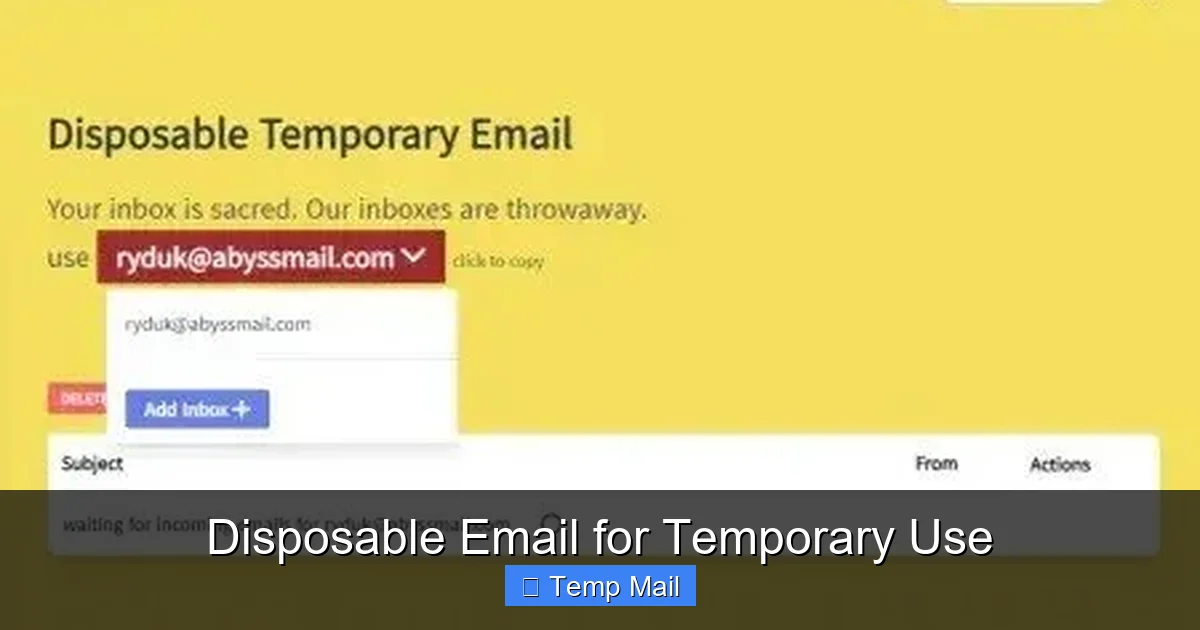
When you visit a site like Temp-Mail.org, it generates a random email address for you, such as [email protected]. That inbox exists on the service’s servers. Anyone on the internet who knows that exact address can view the emails sent to it by simply visiting the website and typing it in. There is no password. The “temporary” part comes from the service’s policy: these inboxes are automatically deleted after a short period—often 10 minutes to 24 hours—or after a certain number of emails are received.
This model is the opposite of a standard email provider like Gmail or ProtonMail. With Gmail, your inbox is a locked room only you can access with your password (and 2FA). With a temporary service, your inbox is a glass case on a public street. The “lock” is merely the obscurity of the randomly generated address. Once someone has the address, the barrier is gone.
Because these services are designed for ephemeral use, they almost universally skip two critical security features of modern email:
The technical architecture is fundamentally insecure by design. Its primary goal is not to protect your data from prying eyes, but to provide a frictionless, no-account-required gateway for receiving a single email.
Despite the security red flags, these services are wildly popular for legitimate reasons. Understanding their benefits is key to using them appropriately.

Visual guide about Is Temporary Email Safe to Use?
Image source: safescaffoldingltd.com
This is the number one reason. When you use your real email to sign up for a forum, download a whitepaper, or enter a contest, you often opt into marketing lists. Even with unsubscribe links, your address gets sold, shared, and targeted. A temporary email acts as a sacrificial lamb. All that subsequent spam goes to an address that will self-destruct, keeping your primary inbox—the one you use for banking, work, and family—pristine.
For users in sensitive situations—activists, journalists, or individuals researching taboo topics—a temporary email can be a first line of defense. It prevents a website from immediately linking your activity to your primary digital identity. It’s a basic, low-tech form of operational security (opsec). It also protects against data breaches; if a website you barely use gets hacked, the leaked email isn’t your real one.
Many websites gate useful content behind an email signup. A temporary email lets you bypass this instantly without committing. This is common for reading a limited number of articles on news sites, accessing a single software trial, or getting a one-time coupon code. It’s a convenience tool for the modern web’s pervasive “email wall.”
Developers and QA testers use disposable emails to test email-based workflows (like signup confirmations or password resets) without cluttering real inboxes or risking personal data during software development cycles.
Now, we dive into the abyss. The convenience of a temporary email comes with a cascade of risks that can lead to data theft, account takeover, and privacy invasion.

Visual guide about Is Temporary Email Safe to Use?
Image source: temporary-email.net
Remember the glass case analogy? The risk is that anyone who guesses or discovers your temporary address can read your mail. This isn’t theoretical. Attackers use bots to scan these services for active inboxes. If you use a temp mail for a social media account and that service gets a password reset email, an attacker who finds that inbox can instantly hijack your account. There is no second factor, no password, no barrier.
Practical Example: You sign up for a new Twitter alternative using a temp mail to get an invite code. Weeks later, you forget you did this. You try to log in, can’t, and request a password reset. The reset link goes to your temp inbox. You don’t check it because the address has expired. Your account is now permanently locked, and any associated data is lost.
You might think, “But I’m the only one who knows the address!” The most significant threat isn’t a random hacker; it’s the temporary email service provider itself. Because there is no user authentication, the provider has full, unfettered access to every single email that passes through its system. They can:
You are placing complete, blind trust in an entity whose business model is often opaque and whose incentives are not aligned with your privacy.
If something goes wrong, you have zero recourse. Your “account” doesn’t exist. There is no support ticket, no password reset, no customer service. If the service goes down, deletes your inbox prematurely, or is compromised, you lose everything. There is no way to prove a specific inbox belonged to you. This makes it impossible to recover access to any service you registered with that address.
The promise of anonymity is the core sell of temporary email. But the reality is more complex, creating a paradox of privacy.

Visual guide about Is Temporary Email Safe to Use?
Image source: temporary-email.net
While the recipient of your email (e.g., the website you signed up for) only sees the disposable address, the temporary email provider sees the full picture. When you access the inbox via your browser, your IP address, device information, and approximate location are logged by the provider. If they keep logs (and many do for a period, despite claiming “no logs”), they can create a profile linking your temporary activity to your real IP at a specific time. Law enforcement or a skilled adversary with a subpoena could compel the provider to hand over these logs, breaking the anonymity chain.
Even if the email content is not explicitly read, the *metadata* is a goldmine. The provider knows which websites are sending emails to which temporary addresses. They can track patterns: “Address X is receiving emails from ‘ casinos.com’ and ‘payday-loans.net’.” This behavioral data is valuable and can be used to build user profiles for targeted advertising or sold as aggregated industry trends.
Under regulations like the GDPR in Europe, you have the “right to be forgotten” and the right to access the data a company holds on you. With a temporary email service, you are often not a “data subject” in a traditional sense because you haven’t provided identifiable information to create an account. But the provider still processes your data (the emails). However, exercising your rights is nearly impossible. Who do you contact? How do you prove which anonymous inbox is yours? The legal protections that exist for users of Gmail or Outlook effectively vanish in the disposable email ecosystem.
Using a tool does not exempt you from the law or a website’s terms of service. This is a critical and often misunderstood aspect.
Virtually every legitimate online service (social media platforms, banks, SaaS products) explicitly prohibits the use of disposable email addresses in their Terms of Service (ToS). Why? To combat fraud, spam, and abuse. If you use a temp mail to sign up for Facebook, Instagram, or your online bank, you are violating their ToS from the outset. This gives them the right to immediately suspend or terminate your account without warning. You have no appeal because you broke the rules.
This is the darkest side. Temporary emails are the preferred tool for:
While the tool itself is neutral, its primary utility in the cybercrime ecosystem is undeniable. Using it for these purposes is illegal and can have severe consequences, including criminal charges for fraud or computer fraud and abuse.
Many temporary email services are hosted in jurisdictions with lax data protection laws. This means they may not be subject to GDPR, CCPA, or other privacy regulations. If your data is mishandled or leaked, you may have no legal avenue for redress. The provider could be based anywhere from the Caribbean to Eastern Europe, operating with minimal oversight.
Given the risks, is there a safe way to use these services? Yes, but only within a very narrow, strict framework. “Safe” here means “mitigating risk to an acceptable level for low-value interactions.”
This cannot be overstated. Never, ever use a temporary email for:
If you forget the password and the reset link goes to a dead inbox, the account and its data are gone forever. This is an unacceptable risk for anything of value.
Not all temp mail services are created equal in terms of basic hygiene. While none are “secure” in the cryptographic sense, some are less shady than others.
If you decide to use temp mail, treat it with the discipline of a hazardous material protocol:
So, is temporary email safe? The definitive answer is: it is safe only for what it was designed for—a temporary, anonymous reception point for non-sensitive, one-time communications. It is a tool of convenience, not a tool of security or privacy protection in any robust sense.
The fundamental architecture of these services—public inboxes, no encryption, provider-centric trust—means they are inherently risky. The convenience of avoiding a few spam emails is often weighed against the risk of having your low-stakes account hijacked, your behavioral data harvested, or your temporary inbox scanned by bots. For 99% of users, the risks are manageable and acceptable for tasks like downloading a free template or reading an article behind a wall.
However, the moment you consider using a disposable address for anything that matters—anything you would be upset to lose, anything linked to your real identity or finances—you must abandon the idea. The temporary email’s greatest strength (anonymity) is also its greatest weakness (no accountability). There is no safety net. There is no recovery. There is only you, a random string of characters, and a provider whose priorities you do not control.
In the grand calculus of your digital life, treat temporary email as you would a public payphone or a burner prepaid phone. It’s useful for a quick, anonymous, throwaway call. You would never use it to conduct your banking, sign a lease, or have a deep personal conversation. Apply that same common sense to your email address. Your primary inbox, secured with a strong, unique password and two-factor authentication, is your digital home. Guard it fiercely. Use the temporary address only for brief, inconsequential visits to the noisy, spam-filled corners of the internet, and leave it behind the moment you’re done.
No, using a temporary email service is not illegal in itself. The legality depends on how you use it. Using it to avoid spam or protect your identity for a free download is legal. Using it to commit fraud, bypass bans, or hide illegal activity is illegal, regardless of the email tool used.
Yes, it potentially can. While the recipient only sees the disposable address, the temporary email service provider logs your IP address, device information, and the time of access. If legally compelled (e.g., via a subpoena), the provider could hand over these logs that link the temporary activity to your real ISP and location at a specific time.
Absolutely not. Major platforms like Google, Facebook, banks, and Apple explicitly block known temporary email domains and prohibit their use in their Terms of Service. Even if you found a way, you would permanently lose access to the account if you ever needed a password reset, as the reset email would go to an inbox that has expired.
No. True end-to-end encryption requires a persistent identity (a key pair) tied to a user account. The entire premise of a temporary email is no account, no password, no persistent identity. Therefore, they cannot offer meaningful encryption. Any service claiming to do so is likely misleading or implementing a trivial form of encryption that the provider can still bypass.
It varies by provider, but typically between 10 minutes and 24 hours. Some services delete the inbox after it receives a certain number of emails (e.g., 3 messages). The lifespan is not guaranteed and can be cut short by the service’s own policies or technical issues.
Emails sent from a temporary address are sent from the service’s own mail servers. The “From” address will be your disposable address. The email itself is transmitted in plain text like standard email. The recipient can see it came from the temp mail domain. The temporary email provider has a full copy of what you sent in their sent logs (if they keep them). There is no secure, private sending capability.
অনলাইন নিউজপেপার থিম। এই থিমটি দিয়ে আপনারা বাংলা এবং ইংরেজি নিউজপেপার সাইট তৈরি করতে পারবেন । বার্তা ও বাণিজ্যিক কার্যালয়: ৭১, মতিঝিল, ঢাকা-১০০০। সম্পাদক : মো আসাদুজ্জামান আমানউল্লাহ । মোবাইল : ০১৭০০-০০০০০০ । ইমেইল : [email protected] ।
All rights reserved © 2019 themesdealer.Com