Image for Temp Mail for Online Testing


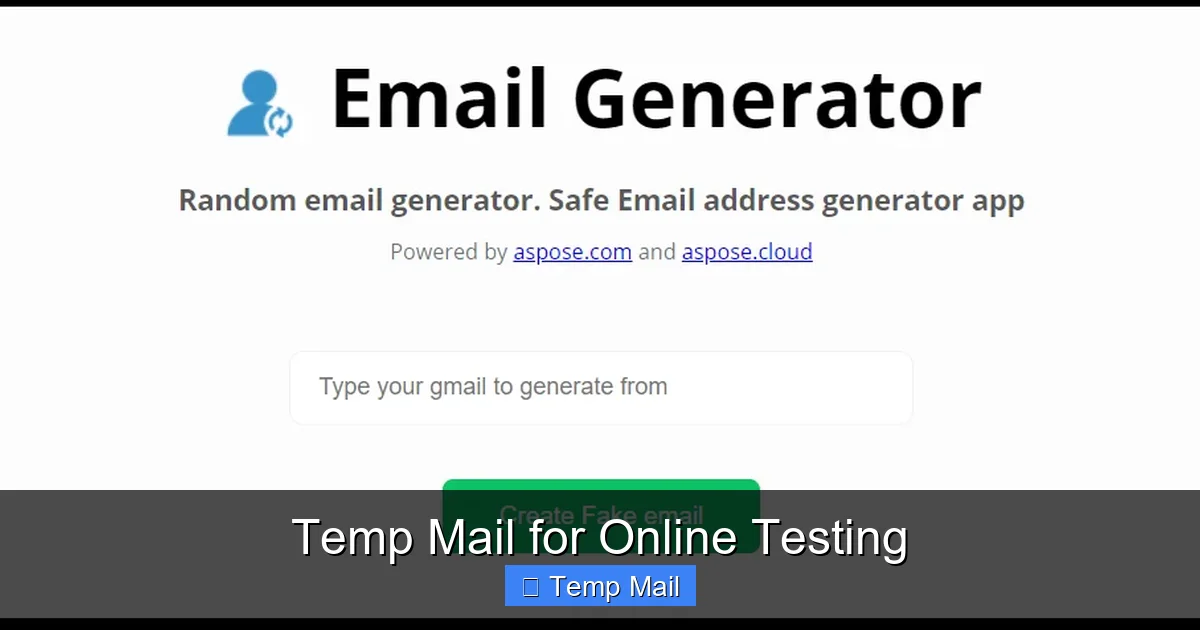
Tired of using your personal email for every online test and signup? Temporary email services provide a smart, secure solution. They let you create disposable inboxes to verify accounts, test features, and access content without compromising your real identity or cluttering your primary inbox. This guide shows you exactly how to leverage temp mail for efficient, private online testing.
Let’s be honest. How many times have you signed up for a new app, a beta program, or a simple online tool just to get a quick look at its features? You enter your email, get a verification link, and boom—you’re in. But that simple act leaves a trail. Your personal email is now in that company’s database. It might be shared with partners. It will almost certainly get promotional emails. And if that site suffers a data breach (and many do), your email is out there, linked to that service, forever.
This is where temporary mail, often called disposable or throwaway email, enters the picture. It’s a service that provides you with a random, working email address for a short period—usually 10 minutes to a few hours. You use it to receive that one verification email, click the link, and then never think about it again. The inbox self-destructs. No spam follows you home.
For anyone involved in online testing—whether you’re a professional QA engineer, a developer debugging a sign-up flow, a marketer testing a lead magnet, or just a tech-savvy user—this is a game-changer. It introduces a layer of operational efficiency and personal privacy that was previously hard to achieve without creating a new permanent email account for every single test.
It’s surprisingly simple. You visit a temp mail website like Temp-Mail.org, 10MinuteMail, or Guerrilla Mail. The site instantly generates a random email address for you, typically using its own domain (e.g., [email protected]). It also creates a unique inbox URL that is tied to your browser session. You copy that email address, paste it into the service you’re testing, and then return to the temp mail site (or keep the inbox tab open) to watch for incoming emails.
The emails are displayed right in your browser, in a simple, ad-supported interface. No password is required because the inbox is tied to the specific URL or session. Once the time limit expires (or you manually delete it), the address and all its contents are purged from the server, making it truly disposable. This entire process happens without you needing to register an account with the temp mail provider itself.
Using your primary Gmail, Outlook, or iCloud address for testing is like using your front door key to test every lock in a hardware store. It works, but it’s incredibly risky and inefficient. Let’s break down the specific problems.
You sign up for a tool to test its “freemium” features. Two days later, you’re getting “Upgrade Now!” emails. A week later, it’s “We miss you!” re-engagement campaigns. A month later, your email might be sold to a third-party network, and the spam becomes a daily nuisance. Your important personal and work emails get buried. Using a temp mail contains this spam to a single, disposable address that vanishes.
Every service you sign up for builds a profile. “This email user is interested in project management tools, fitness apps, and crypto news.” That profile is valuable. By using your permanent email, you are actively contributing to a detailed, cross-service picture of your digital behavior. For testers, this is especially problematic if you’re evaluating tools in competitive or sensitive industries. Temp mail gives you a clean slate for each test, leaving no persistent personal data footprint.
Imagine you’re a developer testing a user journey that involves account creation, deletion, and re-creation. If you use your personal email, you have to manually delete the account on the tested platform each time, and you risk forgetting to do so. With temp mail, you simply close the disposable inbox. The next test uses a brand-new, unrelated email address. It’s a frictionless reset button.
The application of disposable email in testing is vast. Here are the most common and impactful scenarios where it becomes an indispensable tool.
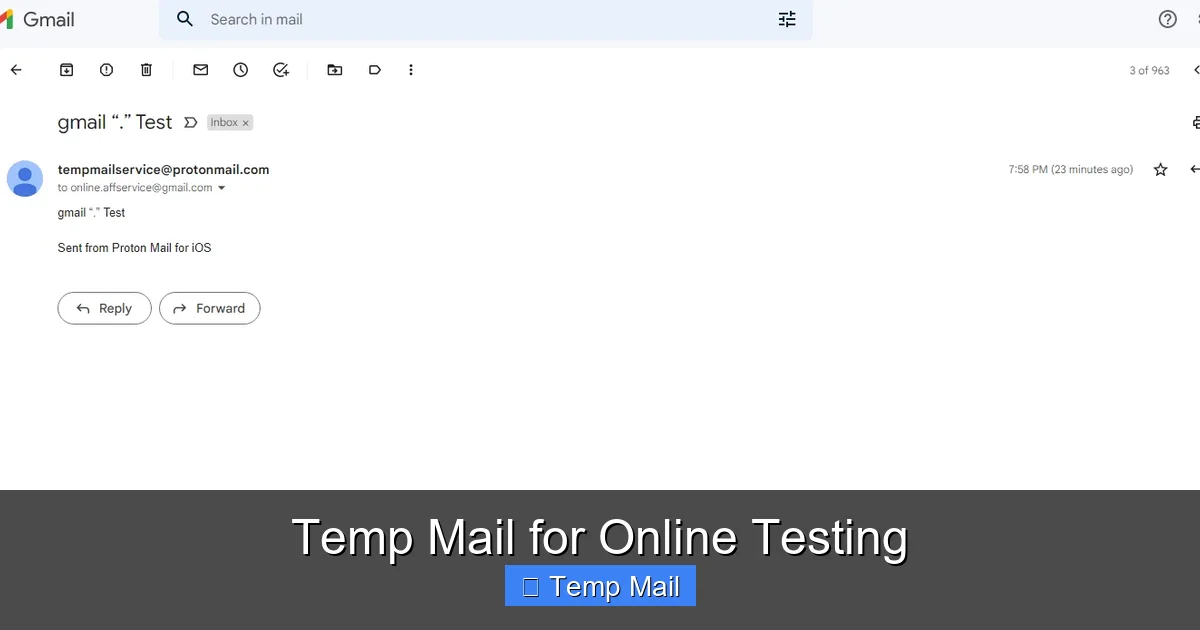
Visual guide about Temp Mail for Online Testing
Image source: 10-minutemail.com
This is the professional core use case. QA teams need to test sign-up, login, password reset, and email notification flows repeatedly. Creating a new test user for each scenario is standard practice. Using a temp mail service allows a QA engineer to generate hundreds of unique email addresses on the fly, each tied to a specific test case, without any administrative overhead. No more asking the IT department for a new “[email protected]” address.
Tech enthusiasts and product hunters often want to try dozens of new apps and platforms in beta. Companies frequently require an email to join a waitlist or download a test build. Using your main email means you’ll get all the public launch marketing too. Temp mail lets you access the beta, test the core features, and then disengage without any marketing fallout.
Blogs, e-book publishers, and course creators often gate valuable content behind an email sign-up form. If you’re researching a topic or evaluating content quality for a client, you don’t want your work or personal email on their list. A temp email gets you the PDF or video instantly, with zero commitment.
Need to see what a competitor’s onboarding emails look like? Or what their user dashboard includes after sign-up? A temp email lets you create a user account on their platform anonymously. You can observe their welcome sequence, feature promotion, and UI/UX without your real identity being associated with the account.
Even outside of professional testing, everyday users benefit. Signing up for a one-time discount at a retail site? Downloading a free desktop utility? Commenting on a forum that requires login? A temp mail keeps your primary address pristine and reduces your overall digital attack surface.
Not all temp mail providers are created equal. Your choice can mean the difference between a smooth test and a blocked verification. Here’s what to evaluate.
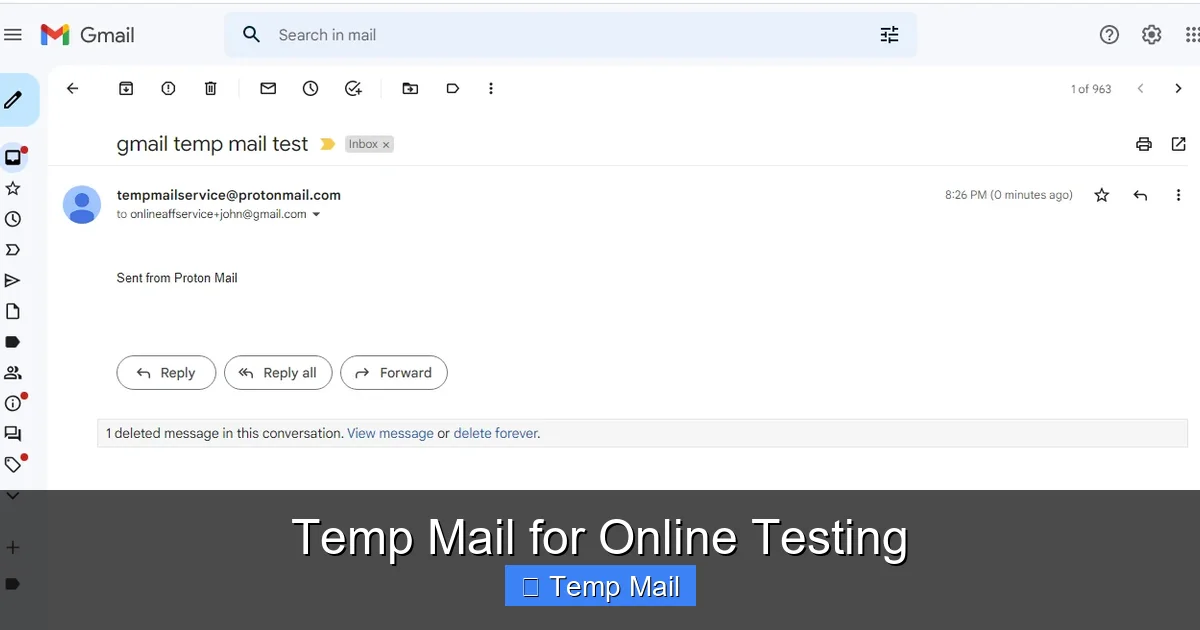
Visual guide about Temp Mail for Online Testing
Image source: 10-minutemail.com
How long does the inbox last? 10 minutes might be too short for a complex, multi-step verification. Look for services offering at least 1-2 hours, or those that let you extend the time manually. Reliability is paramount—you cannot afford the email to disappear before you receive the verification code. Read recent user reviews to check for consistent uptime.
This is the most critical technical factor. Many major platforms (Google services, Facebook, Instagram, Twitter/X, LinkedIn, Microsoft) maintain lists of known disposable email domains and actively block sign-ups from them. If your temp mail uses a blacklisted domain, you’ll get an “invalid email” error immediately. The best services rotate through multiple domains and have less notorious ones. Some even offer “premium” or private domains that are less likely to be on blacklists. Research which domains a service uses before committing to a test.
While the landscape changes, established players include Temp-Mail.org (feature-rich, multiple domains), 10MinuteMail (simple, reliable, classic), and Guerrilla Mail (offers a bit more control). For developers, MailSlurp and Mailosaur are API-first, paid services designed explicitly for automated testing and offer incredibly robust features, including custom domains and email parsing, but come with a subscription cost. For casual or frequent manual testing, the free web-based services are usually sufficient.
Having the tool is one thing; using it correctly is another. Follow these practices to maximize benefits and minimize headaches.
Never rely on a single temp inbox for a critical test. If the email is delayed or the service hiccups, your test fails. Open two different temp mail provider tabs simultaneously. If one doesn’t receive the email within 60 seconds, try the other. This simple habit saves countless hours of frustration.
This is the golden rule. If you forget the password to an account created with a temp email, it is permanently lost. There is no password recovery. Therefore, only use temp mail for:
Never use it for: banking, primary cloud storage, main social media, any service holding real money or irreplaceable personal data.
Keep your temp mail inbox tab pinned and visible while you perform the test on another tab. As soon as the verification email arrives, act on it immediately. If your test involves multiple email steps (e.g., invite a teammate), keep the inbox open until the entire flow is complete. Do not navigate away and expect to find the same inbox later—most services tie the inbox to the specific browser tab or session.
Use temp mail responsibly. Do not use it to:
Ethical testing respects the terms of service of the platform you are testing. You are using a tool for convenience and privacy, not to circumvent rules.
Temp mail is powerful, but it’s not a magic bullet. Understanding its limitations prevents costly mistakes.
As mentioned, many major platforms block entire domains of popular temp mail services. If you’re testing a platform that uses Google or Facebook for login (OAuth), you might not even be able to initiate a sign-up with a temp address. The only workaround is to try a less common temp mail provider or a service that offers more obscure domains. Sometimes, the only option is to use a real, secondary email address you control for those specific platforms.
If you need to reference an email weeks later for a bug report or audit, a temp mail is useless. The inbox is gone. For any testing that requires documentation or follow-up, you must use a permanent email address that you control and can access later.
While the act of using temp mail is secure (your IP and browser data are still visible to the service), some security-conscious platforms might flag an account created with a disposable email as higher risk. This could potentially lead to additional verification steps later if you ever tried to convert that temp account into a permanent one (which you shouldn’t).
Free temp mail websites are supported by ads. These can be intrusive, slow down the page, or make it hard to find the inbox among the pop-ups. Using a reputable ad-blocker can help, but be aware that some sites may detect and block ad-blockers, preventing access.
The cat-and-mouse game between disposable email services and platforms trying to block them is ongoing. As platforms get smarter at detecting patterns (like bulk sign-ups from a single IP using similar email formats), temp mail providers adapt with more domain rotation and behavior mimicry.
For testers, the future likely holds deeper integration. We’ll see more sophisticated browser extensions and developer tools that seamlessly inject temp mail functionality directly into testing frameworks like Selenium or Cypress. API-based services like MailSlurp are leading this charge, making automated, large-scale testing with disposable emails a robust, enterprise-ready practice.
Simultaneously, privacy regulations like GDPR and CCPA may force companies to be more transparent about email collection, but they won’t stop the fundamental need for testers to have anonymous, throwaway identities. The value proposition of temp mail for online testing—preserving privacy, ensuring efficiency, and maintaining clean data separation—is too strong to diminish. It will remain a vital, if sometimes controversial, tool in the digital toolkit.
In the grand scheme of software testing and digital exploration, a temporary email address is a deceptively simple tool. It solves a pervasive, annoying problem: the pollution of your primary digital identity. By providing a clean, anonymous, and ephemeral channel for email verification, it empowers testers to work faster, cleaner, and more privately.
The key is intentionality. Use temp mail with a clear understanding of its purpose and its limits. Reserve it for the countless one-off verifications, the quick sign-ups, the beta tests, and the content downloads that pepper our daily digital lives. Keep your permanent, valuable email addresses reserved for the accounts that truly matter—your bank, your main cloud storage, your core social profiles.
Embrace temp mail for online testing not as a hack, but as a standard practice in modern digital hygiene. It’s the equivalent of using a dedicated test credit card number or a virtual machine—a sandbox for your identity. Start using it today, choose a reliable provider, follow the best practices, and watch your testing efficiency and online privacy improve immediately.
Yes, using a disposable email service is perfectly legal. You are simply using a provided communication channel. The legality depends entirely on how you use it; using it to fraudulently sign up for services with intent to deceive or cause harm would violate terms of service and potentially laws against fraud.
Often, yes. Reputable temp mail services use domains that are publicly listed on disposable email blacklists. Many websites check against these lists and will outright reject sign-ups from those domains. That’s why choosing a service with less common or rotating domains is important for testing.
No, you cannot. Since you have no permanent access to the inbox and the service does not keep records, password reset links sent to that address are lost forever. This is why you must only use temp mail for accounts where losing access is completely acceptable.
For the purpose of receiving a single verification code, they are generally secure. The email content is not encrypted between you and the temp mail server, but for a simple verification link, the risk is low. However, you should never send sensitive personal data (like SSNs or credit card numbers) to a temp email address, as you have no control over the provider’s servers.
Using it for an account they later need to access. Creating a social media profile, a cloud storage account, or any service where you might store valuable data with a temp email is a recipe for permanent data loss. Always ask: “What happens if I lose access to this?” before using a disposable address.
Yes, but you must use a service that provides an Application Programming Interface (API). Free web-based temp mail sites are for manual use. For automated testing with tools like Selenium, you need a paid service like MailSlurp or Mailosaur that offers an API to programmatically create inboxes and fetch emails within your test code.
অনলাইন নিউজপেপার থিম। এই থিমটি দিয়ে আপনারা বাংলা এবং ইংরেজি নিউজপেপার সাইট তৈরি করতে পারবেন । বার্তা ও বাণিজ্যিক কার্যালয়: ৭১, মতিঝিল, ঢাকা-১০০০। সম্পাদক : মো আসাদুজ্জামান আমানউল্লাহ । মোবাইল : ০১৭০০-০০০০০০ । ইমেইল : [email protected] ।
All rights reserved © 2019 themesdealer.Com












