Image for Temp Mail for Quick Website Registrations



Struggling with inbox overload from website sign-ups? Temporary email services provide a perfect solution. They give you a disposable address for quick registrations, shielding your primary email from spam, data breaches, and unwanted marketing. It’s a simple, free tool for boosting online privacy and keeping your main inbox clean and secure.
You’re clicking through the internet, trying to access a useful article, download a free ebook, or simply check out a forum. Then you hit the wall: “Please enter your email to continue.” A familiar sigh escapes you. You know that handing over your primary, personal email address is like tossing your keys to a stranger—you might get them back, but you’ll likely find your inbox cluttered with unsolicited “special offers” and “weekly digests” you never asked for. What if there was a way to get past that gatekeeper, grab what you need, and walk away without leaving a trail? Enter the world of temporary email, or temp mail—your secret weapon for quick, clean, and private website registrations.
The concept is beautifully simple. Instead of using your real email, you generate a random, throwaway address from a dedicated service. You use it once to get the download link or forum access, and then you forget it. The inbox self-destructs, taking all the associated spam and potential data risk with it. It’s not about being sneaky; it’s about being smart with your digital hygiene. In this guide, we’ll dive deep into how temp mail works, why it’s a critical tool for the modern web user, the pitfalls to avoid, and how to use it effectively for stress-free browsing.
Why is every website asking for an email? It’s not just malice; it’s business model dependency. Email addresses are the currency of the digital marketing world. They allow companies to:
This “email or nothing” mentality creates friction. It forces users to make a choice: surrender your contact details or abandon the content you wanted. For many, that surrender leads to a slow bleed of spam into their primary inbox—the place where bank statements, work emails, and family messages live. This clutter isn’t just annoying; it increases the risk of missing critical emails and makes your main account a bigger target for phishing scams. Temp mail surgically removes this friction.
Think about the last time you signed up for a seemingly innocuous online service. You used your main email. Months later, you’re getting emails from companies you’ve never heard of. How did that happen? That first company likely “shared” or “sold” their email list to partners as part of their terms (which you probably didn’t read). Your single sign-up can trigger a domino effect, flooding your inbox for years. Using a temp mail address creates a firebreak in that chain. The spam lands in a disposable inbox that vanishes in hours, leaving your permanent address untouched.
Temp mail, also called disposable email, throwaway email, or fake email, is a service that provides you with a random email address and a corresponding temporary inbox. The key characteristics are:

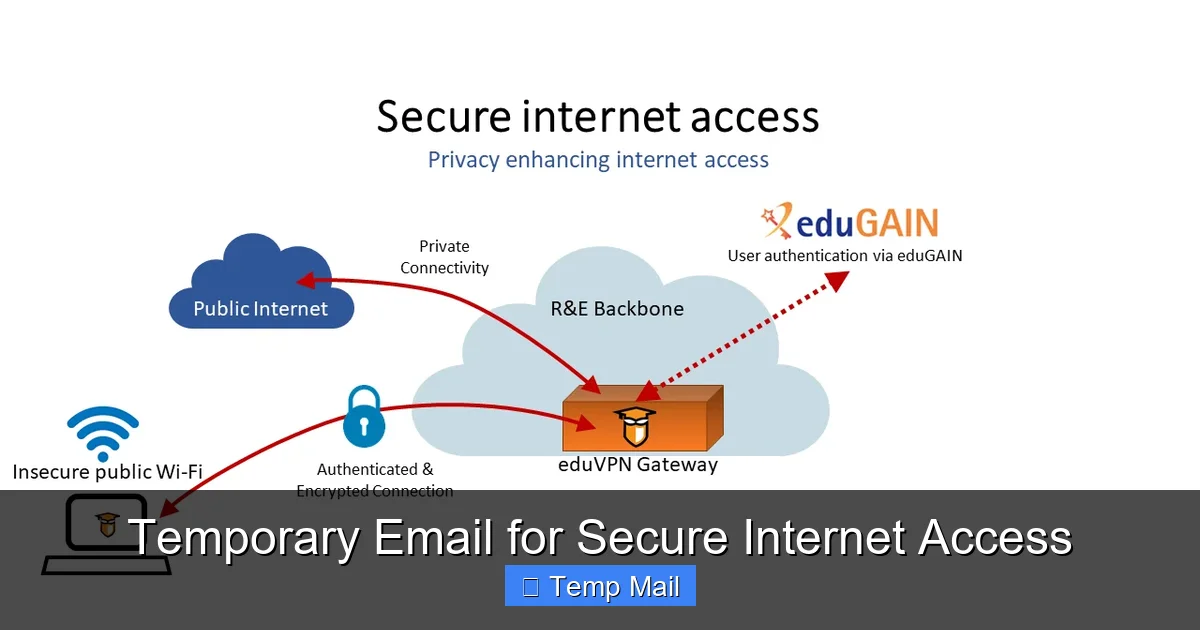
Visual guide about Temp Mail for Quick Website Registrations
Image source: images-websitehunt.s3.amazonaws.com
It’s crucial to understand this last point. The security model is different. Your Gmail or Outlook inbox is private because only you (with correct credentials) can access it. A temp mail inbox is “private” because the address is so hard to guess and it disappears quickly. If someone stumbles upon your active temp mail address while it’s live, they can read everything. This defines its proper and improper use.
The process is intentionally frictionless:
Using a temp mail address for non-essential sign-ups isn’t a hack; it’s a best practice for digital self-defense. Here’s what you gain:

Visual guide about Temp Mail for Quick Website Registrations
Image source: temp-mail.best
This is the number one reason. By containing all promotional and list-based emails to a disposable inbox, your primary email remains a sanctuary for important communications. You’ll notice a dramatic drop in “unsubscribe” clicks in your main inbox. The marketing emails still exist, but they are confined to a virtual room that locks itself after a short time.
When a company you signed up with suffers a data breach, your email address is one of the prime pieces of data leaked. Hackers then use that email (and often, the password you used—which is why unique passwords are vital!) in “credential stuffing” attacks, trying to log into your other accounts (like banking, social media). If the breached email was a temp mail address, the hacker has nothing of value that connects to your real identity or other accounts. The breach is rendered largely harmless to you.
How many times have you wanted to read a whitepaper, see a research report, or access a “free tool” only to be stopped by an email gate? Using temp mail lets you get that content instantly, no strings attached. You respect the creator’s work by accessing it, but you aren’t willing to enter a long-term marketing funnel for it. This is a perfectly valid use case for casual research.
If you’re a developer, tester, or just a curious user trying out a new app or website, a temp mail is ideal. You can create a test account, explore the features, and delete the account without ever involving your real identity or cluttering your contacts. It keeps your testing environment clean.
For activities where you want minimal personal data tied to an action—like signing a petition, commenting on a controversial article, or joining a temporary online community—a temp mail provides a layer of anonymity. It prevents that one action from being directly searchable or linkable to your primary email address.
Understanding the limitations is as important as knowing the benefits. Misusing temp mail can create problems.

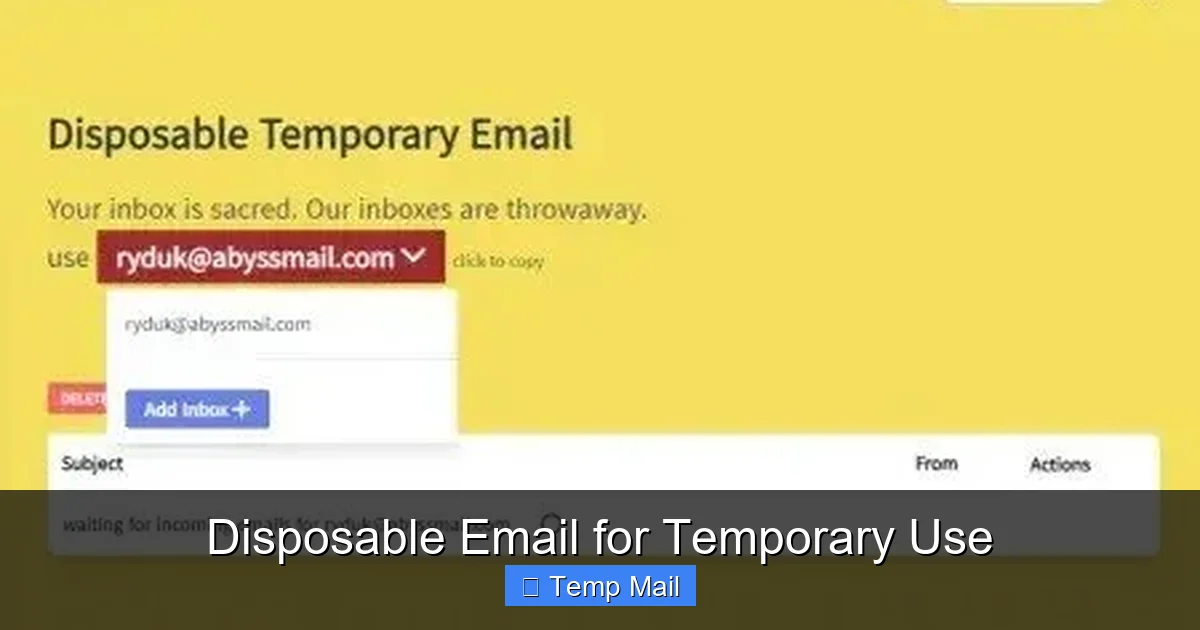
Visual guide about Temp Mail for Quick Website Registrations
Image source: i0.wp.com
This is the most critical point. If you use a temp mail to sign up for a service you intend to use long-term (like a cloud storage account, project management tool, or subscription service), you will be locked out forever the moment the inbox expires. You cannot recover the password because the recovery email no longer exists. You will lose all data associated with that account. Temp mail is for access and verification, not for establishing lasting relationships with services.
Never, ever use a temp mail address for:
The public nature of the inbox means anyone could intercept a password reset email while the inbox is active. The short lifespan is a feature, not a security protocol for sensitive data.
Popular temp mail domains are well-known and frequently blacklisted by major platforms. Google, Facebook, Microsoft, and many SaaS companies maintain lists of disposable email domains and will reject them outright during sign-up. If you try to use one, you’ll get an error like “Please enter a valid email address.” You may need to try a less common temp mail provider, but for major platforms, it often simply won’t work.
While using temp mail to avoid spam is ethical, using it to circumvent bans, create multiple fraudulent accounts, or engage in deceptive practices is a violation of most websites’ Terms of Service. It can lead to an IP ban. The tool itself is neutral; your intent determines the ethics. Use it to protect your privacy from *corporate* data harvesting, not to hide malicious activity from *platform rules*.
To get the most out of temp mail without falling into its traps, follow these guidelines.
Only use a temp mail address for a single, specific purpose. Once you’ve clicked the verification link or copied the download code, consider that address “spent.” Do not use the same disposable address for multiple sites. The whole point is to isolate each potential spam source.
Not all temp mail services are created equal. Look for providers that:
When using a temp mail for a sign-up, keep your primary email provider (Gmail, etc.) open in another tab. Sometimes, a service might send a follow-up “Welcome” or “Confirm your preferences” email to the address you provided. If you miss it because the temp mail inbox expired, you might get unexpected emails later if you eventually try to use the service again. Knowing this helps you manage expectations.
If you absolutely *must* use a temp mail for a semi-regular service (e.g., a free tool you use monthly but don’t trust), note the service name and the disposable email you used in a secure note in your password manager (like Bitwarden or 1Password). This way, if you need to log in again and have forgotten, you have a record. But honestly, it’s better to just use a new temp mail each time for true isolation.
Reiterating the cardinal rule: if “Forgot Password?” sends a link to your temp mail, you are locked out. Period. There is no support team that can help you because the email no longer exists. Accept that any account created with a disposable email is a temporary account.
As online privacy concerns grow, the role of temp mail is evolving. We’re seeing two key trends:
Browsers like Brave and privacy-focused extensions (like DuckDuckGo Privacy Essentials) are beginning to incorporate or suggest temp mail services directly within the browser when they detect an email gate. This seamless integration makes using disposable addresses even easier, pushing it from a conscious tool to an automatic background privacy layer.
Services like SimpleLogin, AnonAddy, and Firefox Relay are taking the concept further. Instead of a completely random address that expires, they let you create unique, forwardable email aliases (e.g., [email protected]) that forward to your real inbox. You can disable an alias at any time, stopping all email from that source permanently. This offers the spam-fighting power of temp mail but with the convenience of having all emails land in your main, secure inbox—and with the ability to manage and review aliases long-term. It’s a more sophisticated, user-controlled evolution of the disposable email concept.
While these “alias” services may represent the future, temp mail remains the immediate, no-setup-required solution for the vast majority of quick, one-off web registrations. It’s the digital equivalent of using a public restroom: you go in, take care of your business, and leave without leaving a trace. In an online world desperate to collect your data, that’s a powerful and simple form of self-defense.
The next time you encounter that ubiquitous “enter your email” prompt on a website you’re just browsing, pause. Ask yourself: “Is this a relationship I want to cultivate, or a transaction I want to complete?” If it’s the latter, don’t hesitate. Open a new tab, generate a temp mail address, and proceed. You’ve just taken a small but significant step to reclaim control of your digital footprint.
By using disposable email for quick registrations, you are not being paranoid; you are being proactive. You are building a fortress around your primary communication channel, keeping it clear for what truly matters. You are insulating yourself from the cascading effects of data breaches and the relentless tide of promotional spam. It’s a free, easy, and incredibly effective privacy habit. Start using temp mail today, and experience the joy of an inbox that only contains what you actually signed up for.
Yes, using a temporary email service is completely legal. It is a legitimate tool for privacy protection. The legality only comes into question if it is used for fraudulent activities, to circumvent bans, or to sign up for services where the terms explicitly prohibit disposable addresses.
Not directly through the email address itself. Since the address is random and not linked to your personal information during creation, there is no database connecting it to your name, location, or IP address (beyond the general server logs the temp mail service keeps briefly, which they delete). However, your IP address is visible to the website you register on, as it is with any web visit.
It varies by provider. Common lifespans are 10 minutes, 30 minutes, 1 hour, or 24 hours. Some services allow you to extend the time manually if you need a bit longer. The inbox and its contents are permanently deleted from the server after the time expires.
Yes, the domain of the temporary email (e.g., @temp-mail.org) is visible to the website you sign up with. Sophisticated sites can detect and block known disposable domains. However, the site cannot know your real email address or personal identity from the temp mail itself.
You will be unable to reset the password. The “forgot password” email will be sent to the disposable inbox, which will have expired. You will be permanently locked out of that account. This is why you must only use temp mail for accounts you do not intend to keep or access long-term.
Reputable temp mail services are generally safe to visit. The primary risk is not from the service itself, but from the emails it receives. You should never click on suspicious links or download attachments from unknown senders within a temp mail inbox, just as you wouldn’t in your primary email. The disposable nature means any malware infection is contained to that temporary session.
অনলাইন নিউজপেপার থিম। এই থিমটি দিয়ে আপনারা বাংলা এবং ইংরেজি নিউজপেপার সাইট তৈরি করতে পারবেন । বার্তা ও বাণিজ্যিক কার্যালয়: ৭১, মতিঝিল, ঢাকা-১০০০। সম্পাদক : মো আসাদুজ্জামান আমানউল্লাহ । মোবাইল : ০১৭০০-০০০০০০ । ইমেইল : [email protected] ।
All rights reserved © 2019 themesdealer.Com