Image for Temp Mail Tools for Online Privacy


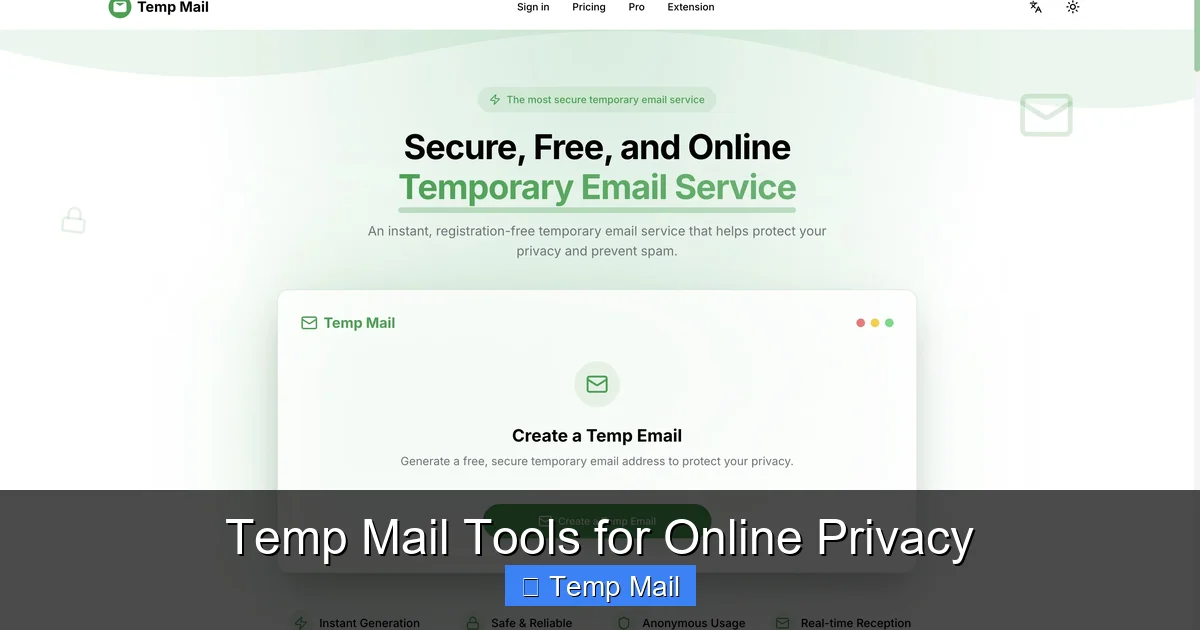
Temp mail tools are your first line of digital defense, offering disposable email addresses that safeguard your primary inbox from spam, data brokers, and potential security breaches. By using these temporary addresses for non-critical sign-ups and downloads, you significantly reduce your digital footprint and maintain greater control over your personal information. However, they are not a one-size-fits-all solution and must be used strategically for optimal privacy protection.
Every day, we’re asked to swap our email address for access. A free ebook here, a forum account there, a discount code for a store we’ll never shop at again. It’s a constant, quiet erosion of our digital privacy. That little “@” sign and your username become a key that unlocks not just an inbox, but a profile of your interests, your habits, and sometimes, your location. What if you had a different key for every lock? A key that you could simply throw away after one use? That’s the core promise of temp mail tools. They are not a magic bullet for total anonymity, but they are a profoundly effective, simple, and often overlooked tool in the everyday privacy advocate’s kit. This guide will walk you through exactly how they work, when to use them, how to choose a trustworthy service, and where their limits lie.
Let’s start with the basics. A temp mail tool, also called a disposable email service or 10-minute mail, is a web-based platform that generates a random, temporary email address for you to use. You don’t need to register, provide a password, or link it to any existing account. You simply visit the website, an address is created for you (like [email protected]), and you can immediately start using it to receive emails in a public, web-based inbox displayed right on the page.
Your Gmail, Outlook, or ProtonMail account is a persistent identity. It’s tied to your name, your phone number (often), and a recovery email. It’s designed for long-term storage and communication. Companies build a robust profile around it. A temp mail address is the opposite: it’s a pseudonym with a death sentence. It has no connection to you personally, no long-term storage, and no expectation of continuity. Its entire purpose is to be a lightweight, single-use proxy.
The mechanics are beautifully simple, which is part of their elegance. When you visit a provider like Temp-Mail.org or 10MinuteMail.com, their system instantly:
Visual guide about Temp Mail Tools for Online Privacy
Image source: toolszu.com
Any email sent to that specific address is routed to that specific, isolated inbox. You can read it, click links (use caution!), or download attachments right in your browser. Once the timer expires—which can be anywhere from 10 minutes to a few hours—the server wipes the inbox and the email address becomes invalid forever. The provider’s server logs, if they keep any, are typically purged on a short cycle as well.
There are two primary ways these services operate:
Knowing *why* to use a temp mail is just as important as knowing how. Here are the prime scenarios where it shines.
You’ve seen them: “Download our whitepaper on cybersecurity!” or “Get the free PDF checklist!” The form asks for your name and email. This is a classic lead generation tactic. The company wants your email to add you to a marketing list. Using your primary email here guarantees future spam. A temp mail lets you get the asset instantly without committing your real address. Simply paste the temp address, submit, and check the inbox a minute later for the download link.
Need to create an account for a one-time use tool? A forum you’ll visit once? A beta test for an app you’re curious about? A temp mail is perfect. It satisfies the “verification email” requirement without linking the account to you. If the service turns out to be spammy or you forget about it, there’s no long-term liability or cleanup needed on your end.
Ever signed up for a one-time discount, only to get a weekly newsletter forever? Unsubscribing can be a chore, and sometimes it doesn’t even work. Using a temp mail for that initial sign-up contains the entire newsletter stream to a disposable inbox that vanishes. No clutter, no unsubscribe links to hunt down.
For developers and QA testers, temp mail services are invaluable. When building a sign-up or password-reset flow, you need to test email delivery. Creating hundreds of real email accounts is messy. Temp mail tools allow for rapid, anonymous testing of email triggers without polluting real inboxes.
If you’re using a library computer, a hotel business center, or a friend’s device, you should never log into your personal email. Using a temp mail for any necessary online registration on that machine ensures no persistent cookies or auto-fill data links the session back to your permanent identity.
Not all temp mail services are created equal. Your choice depends on your specific need for privacy, usability, and reliability. Here’s what to evaluate.
Names like Temp-Mail, 10MinuteMail, Guerrilla Mail, and DropMail have been around for years. They are generally reliable for basic use. However, always check their current interface and policy, as services can change ownership or practices. For the highest privacy, look for services that emphasize “no logs” and offer a private inbox model.
Understanding the boundaries of temp mail is crucial for using it safely and effectively. It’s a tool, not a panacea.
Never, ever use a temp mail for your primary email recovery, banking, government services (like tax agencies), main social media accounts, or any service where account recovery is vital. Once the inbox is gone, you lose access forever. There is no “forgot password” reset if the reset email goes to a deleted address.
You are trusting the temp mail provider. A malicious or compromised provider could:
This is why using a reputable provider with a transparent policy matters. For highly sensitive activities, a more robust solution like a dedicated anonymity-focused email service (e.g., ProtonMail, Tutanota) with a pseudonym is better, though it requires setup.
As mentioned, the most popular temp mail domains are on spam blacklists. You will frequently encounter error messages like “This email domain is not allowed.” The workaround is to use a less common provider or a service that offers multiple, rotating domains. Some browser extensions for temp mail can help by providing fresh domains.
Forget about finding that one verification email from six months ago. The entire premise is ephemerality. If you need to reference an email later, you must save its contents elsewhere immediately.
The temp mail landscape is evolving alongside broader privacy trends. We’re seeing integration with other tools and a shift in focus.
We’re moving beyond standalone temp mail sites. Privacy-focused browsers (like Brave) and VPN providers are starting to incorporate disposable email features directly into their products. Imagine generating a temp alias from your VPN dashboard. This creates a more seamless privacy workflow.
Advanced users who manage many aliases (using services like SimpleLogin or AnonAddy, which are more permanent but still mask your real address) might see AI tools that automatically suggest when a temp mail is appropriate versus a persistent alias. These systems could learn which senders are likely spam and route them to disposable addresses automatically.
As data privacy laws like GDPR and CCPA strengthen, the legitimacy of using temporary data for sign-ups may be tested. Some argue it violates a website’s terms of service (which often require “accurate” information). However, the legal consensus is that providing a non-false, working email address (even if disposable) fulfills the technical requirement for communication. The ethical gray area remains, but for privacy protection against *them*, it’s a valid tactic.
Temp mail tools are not about being dishonest; they are about being selective. They are the digital equivalent of giving out a burner phone number instead of your personal mobile. In an ecosystem designed to harvest your email address as a commodity, using a disposable address for the vast majority of non-essential interactions is a powerful act of data hygiene. It cuts off a major vector for spam, profiling, and potential data breaches. The key is to use them intentionally: for downloads, trials, forums, and any situation where a long-term relationship with the service provider isn’t your goal. Pair this habit with a strong, unique password manager for your important accounts, and you’ve built a foundational layer of practical, everyday online privacy. Start today—next time a site asks for your email, ask yourself: “Is this a keeper, or is this a toss?”
Yes, using a disposable email address is perfectly legal. You are providing a valid, working email address that can receive messages. However, using it to fraudulently sign up for services, circumvent bans, or misrepresent yourself may violate a website’s terms of service, which could lead to account termination.
Safety and privacy depend entirely on the provider. Reputable services use HTTPS encryption and state they do not log IPs or scan email content. However, you are trusting a third party with any content you view. For highly sensitive information, a more secure, encrypted email service with a pseudonym is recommended. Never use temp mail for passwords, financial info, or private documents.
A temp mail is instantly generated, requires no setup, and is designed to last minutes or hours. A regular anonymous email account (like a new Gmail or ProtonMail account) requires creation, a password, and is persistent. The temp mail is for single-use, low-stakes interactions; the persistent anonymous account is for longer-term use where you need to log in repeatedly but still hide your primary identity.
It varies by provider. Common lifespans are 10 minutes, 1 hour, or 24 hours. Some allow you to extend the time manually. The inbox and all its emails are permanently deleted from the server once the timer expires. The email address itself also becomes invalid.
Yes, absolutely. Many popular websites and platforms maintain lists of known disposable email domains and will block sign-ups from them. This is why using a less common provider or a service that offers multiple domain options is helpful. If blocked, you’ll need to use a different domain or your real email.
The golden rule: Never use it for anything you need to recover or access long-term. Reserve it exclusively for one-time verifications, content downloads, and sign-ups for services you don’t plan to keep. For your primary email, banking, social media, and any account with recovery options, use a secure, permanent email address with a strong, unique password and two-factor authentication enabled.
অনলাইন নিউজপেপার থিম। এই থিমটি দিয়ে আপনারা বাংলা এবং ইংরেজি নিউজপেপার সাইট তৈরি করতে পারবেন । বার্তা ও বাণিজ্যিক কার্যালয়: ৭১, মতিঝিল, ঢাকা-১০০০। সম্পাদক : মো আসাদুজ্জামান আমানউল্লাহ । মোবাইল : ০১৭০০-০০০০০০ । ইমেইল : [email protected] ।
All rights reserved © 2019 themesdealer.Com












